

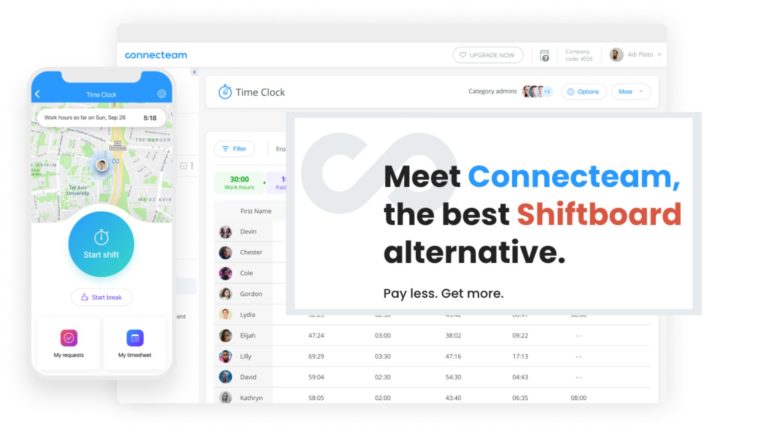
When a shift needs specific qualifications, enough recovery time, and the right coverage, filling every slot on a calendar isn’t enough.
I reviewed 7 Shiftboard alternatives and ranked them by complex scheduling capability, workforce rules, and the workflows managers and employees use to keep coverage on track.
Use these picks to compare enterprise scheduling platforms with simpler frontline tools and find the right fit for your business.
If you don’t have the time to read through our research, jump down to our quick comparison table.
| App | Best for | Starting Price | Key Considerations |
| Quinyx | Best overall for enterprise workforce optimization and complex scheduling | Contact vendor | Connects demand forecasting with workforce rules; data and configuration need careful consideration |
| Humanity by TCP Software | Complex workforce scheduling with broad market recognition | $2.75/user/month | Pre-built US scheduling rules; non-US rules require configuration |
| Indeavor | Manufacturing and industrial labor scheduling | Contact vendor | Production-linked scheduling and qualifications; designed for complex industrial operations |
| Deputy | Scheduling plus compliance and labor controls | $5/user/month | Scheduling and attendance controls; automation requires Core or Pro |
| Sona | Modern frontline scheduling and employee experience | Contact vendor | Preference-aware, multi-site scheduling; industrial rule coverage needs confirmation |
| Celayix | Configurable scheduling in complex service operations | $5.40/employee/month + $22.50/scheduling manager/month | Configurable auto-fill and shift bidding; bidding requires Ultimate or Enterprise |
| Connecteam | Frontline teams needing simpler scheduling plus workforce operations | Just $29/month for the first 30 users | Scheduling, time, communication, and tasks; not industrial rules-engine replacement |
What’s new in this update (September 2026)
- Expanded the list from five tools to seven, removing Hubstaff, Homebase, and QuickBooks Time, while adding Quinyx, Humanity by TCP, Indeavor, Sona, and Celayix.
- Refocused the comparison on UKG Shiftboard’s role in complex, high-compliance scheduling.
- Added enterprise and industrial specialists, refreshed pricing and feature coverage, and clarified the differences between shift bidding, open-shift pickup, and swaps.
- Connecteam now ranks #7 as a simpler frontline-operations option rather than a direct industrial replacement.
Our Top Picks
-
1

Best overall for enterprise workforce optimization and complex scheduling
-
2

Best for complex workforce scheduling with broad market recognition
-
3

Best for manufacturing and industrial labor scheduling
Why trust us?
Our team of unbiased software reviewers follows strict editorial guidelines, and our methodology is clear and open to everyone.
See our complete methodology
What is Shiftboard?
UKG Shiftboard is workforce scheduling software for complex, shift-based operations. Managers use it to match labor to demand, respond to absences, and account for assignment requirements such as qualifications, overtime, collective bargaining agreements, and fatigue limits.
In 2025, UKG acquired Shiftboard. Shiftboard now sits within UKG’s workforce portfolio, with a focus on high-compliance environments such as manufacturing and energy. The acquisition doesn’t mean customers have to switch.
Why Are People Moving Away From Shiftboard?
Shiftboard’s industrial depth is a strength when your operation needs it. A change makes sense when another system better matches your demand-planning process, existing technology, employee workflow, or implementation capacity, not just because ownership changed.
For example, production-driven organizations may prioritize qualification tracking and fair overtime distribution. Multi-site service businesses may need custom assignments and easier coverage requests. Teams with simpler hourly schedules may want communication and task management alongside the calendar rather than a specialist scheduling deployment.
How I Ranked the Best Shiftboard Alternatives
To rank Shiftboard alternatives, I considered how well each tool handles complex workforce scheduling. Market reputation and overall product quality matter, but they don’t outweigh a strong fit for the scheduling problem.
Here’s what I prioritized:
- Scheduling depth: Managers need tools for complex rotations, multiple sites, and changing staffing requirements.
- Skills and qualifications: Assignments should account for eligibility rather than availability alone.
- Workforce rules: The software should support overtime compliance, breaks, union agreements, and fatigue controls.
- Coverage optimization: Demand forecasts, replacement tools, and shift bidding should address real coverage gaps.
- Employee workflows: Workers need clear schedules and practical ways to request changes or additional work.
- Implementation and integrations: Required data connections, rule setup, and administrator controls must fit your organization.
The 7 Best Shiftboard Alternatives
-
Quinyx — Best overall for enterprise workforce optimization and complex scheduling
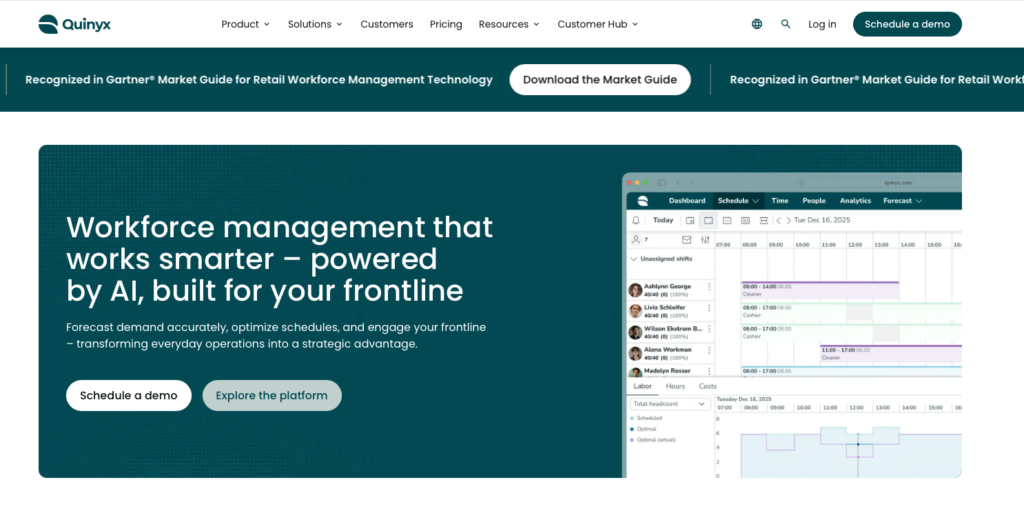
Quinyx combines scheduling, demand forecasting, attendance, and workforce analytics for multi-site organizations.
Why I chose Quinyx: I ranked Quinyx #1 because it connects operational demand forecasts directly to assignments that account for skills, labor agreements, and employee preferences.
Demand forecasting and schedule optimization
Quinyx uses sales, transactions, foot traffic, promotions, and seasonal patterns to forecast demand by site or department. Those forecasts inform scheduling, helping managers adjust coverage rather than repeat last week’s staffing pattern.
Managers can build schedules manually, partly automatically, or through automation. Auto-Assign considers skills, certifications, preferences, and workload balance. But forecast quality depends on the data supplied, so teams need usable demand inputs before expecting reliable schedule optimization.
Qualifications and workforce rules
Assignments can account for skills and availability, while real-time alerts flag rule violations, scheduling conflicts, and cost overruns. The automation engine supports labor laws, union agreements, fatigue rules, and internal policies, with managers retaining control over decisions.
Quinyx can handle complex workforce needs, but you still need to carefully set up local rules and integrations. Know that the rule engine doesn’t guarantee that your collective agreements or country-specific requirements are already configured.
Mobile self-service and connected systems
Employees can view schedules, update availability, request shift swaps, and volunteer for open shifts through the mobile app. Managers can coordinate workers across multiple units rather than manage each location separately.
Quinyx also connects scheduling to payroll, HR records, and operational data through pre-built integrations and API options. It suits enterprises with multiple systems, but confirm which connectors and forecasting tools are included in your package.
Key Features
- Demand forecasting linked to schedules
- Skills and certification-based shift assignments
- Union, fatigue, and labor-rule controls
- Multi-site scheduling and mobile self-service
Pros
- Connects operational demand with staffing decisions
- Combines eligibility and workforce-rule checks
Cons
- Forecast quality depends on source data
- Local rules and integrations need setup
Pricing
Contact vendor Trial: No Free Plan: No
-
Humanity by TCP Software — Best for complex workforce scheduling with broad market recognition
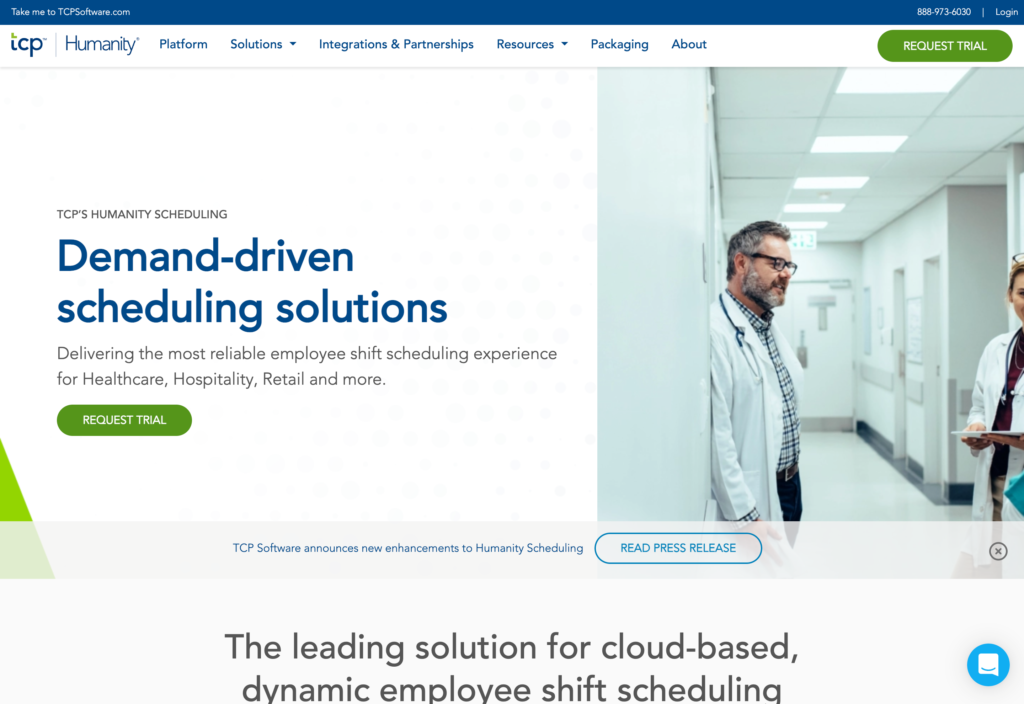
Humanity by TCP supports scheduling across multiple locations, large workforces, and changing availability.
Why I chose Humanity by TCP: Humanity by TCP’s pre-built US scheduling-law rules offer a practical starting point for compliance-sensitive schedules.
Shift planning and compliance
With Humanity by TCP, managers can copy shifts or whole schedules, use templates, and auto-schedule based on employee skills and availability. Workers can claim open shifts or trade shifts with manager approval, keeping changes within a controlled workflow.
The pre-built compliance settings cover US scheduling requirements but require custom rules elsewhere. That means non-US teams must configure their own rules, including maximum hours, overtime limits, minimum rest between shifts, and consecutive workday limits.
Forecasting and staffing decisions
Humanity’s AI forecasting uses business inputs such as sales, customer numbers, and ticket volumes alongside previous schedules. It builds future schedules around demand while considering employees’ skills and availability.
Forecasting is a paid add-on, so don’t assume it’s included in the scheduling package. The platform also offers operational reports covering budgets, open shifts, schedule conflicts, and shift exchanges. These help managers review coverage, but standard reports focus more on summaries than deeper analysis.
Mobile access and payroll
Employees can submit availability and leave requests, see schedules, and clock in from mobile devices. Managers receive availability updates on their dashboards, and payroll exports connect time records with supported payroll systems.
The app becomes read-only offline, so employees can view existing information but can’t make changes without connectivity. Payroll, forecasting, and reporting also require desktop access. These limits matter when supervisors need to manage coverage on the go.
Key Features
- Skills-based scheduling and shift templates
- Pre-built US and custom scheduling rules
- Demand forecasting (paid add-on)
- Mobile requests and payroll data exports
Pros
- Supports US scheduling compliance
- Handles multi-location schedules and changing availability
Cons
- Non-US compliance rules need manual setup
- Offline mobile access is read-only
Pricing
Starts at $2.75/user/month Trial: Yes — 30 days Free Plan: No
-
Indeavor — Best for manufacturing and industrial labor scheduling
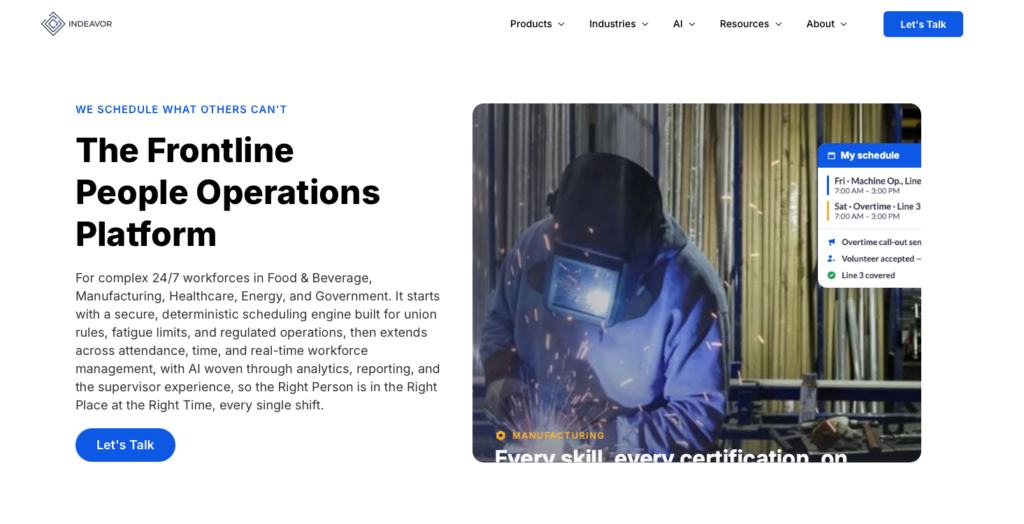
Indeavor focuses on industrial labor scheduling for complex, around-the-clock operations.
Why I chose Indeavor: I included Indeavor because its scheduling model connects production demand with qualifications, collective agreements, and the rules governing overtime distribution.
Production-driven staffing
Indeavor generates schedules using organizational demand, the employee population, and work rules. Its scheduling engine considers production requirements alongside skills, availability, eligibility, union rules, and fatigue limits.
For manufacturing teams, that means matching workers to the production roles they’re qualified to cover, not just whoever is free. Indeavor’s enterprise focus may be more than smaller teams need, especially if they don’t require production-system integrations or detailed assignment rules.
Qualifications and labor agreements
Qualification tracking helps managers find eligible replacements and receive renewal notifications based on credential expiration or when an employee last performed a role. This helps managers avoid assigning work to employees with expired qualifications.
Custom manufacturing controls include seniority, overtime distribution, shift-bid rights, and callback procedures. You need to configure your agreements and qualification requirements during setup so the system reflects each site’s actual rules.
Employee choices and enterprise integrations
Indeavor Engage lets employees view schedules, request leave, volunteer for additional work, swap shifts, and report call-offs. Volunteering can be checked against skills and qualifications, while swaps follow defined approvals and rules.
Enterprise integrations connect production demand, HR information, and time-and-pay reconciliation. This makes Indeavor particularly useful when scheduling needs to respond to production changes across facilities. Rollout needs to be coordinated between operations and the teams responsible for employee and production data.
Key Features
- Production-demand-driven workforce scheduling
- Qualification tracking and credential renewal alerts
- Custom seniority and overtime distribution rules
- Mobile volunteering, swaps, and call-offs
Pros
- Direct fit for complex industrial operations
- Connects replacement decisions with qualification data
Cons
- Agreements and qualification data require setup
- Too specialized for basic hourly scheduling
Pricing
Contact vendor Trial: No Free Plan: No
-

Deputy — Best for scheduling plus compliance and labor controls
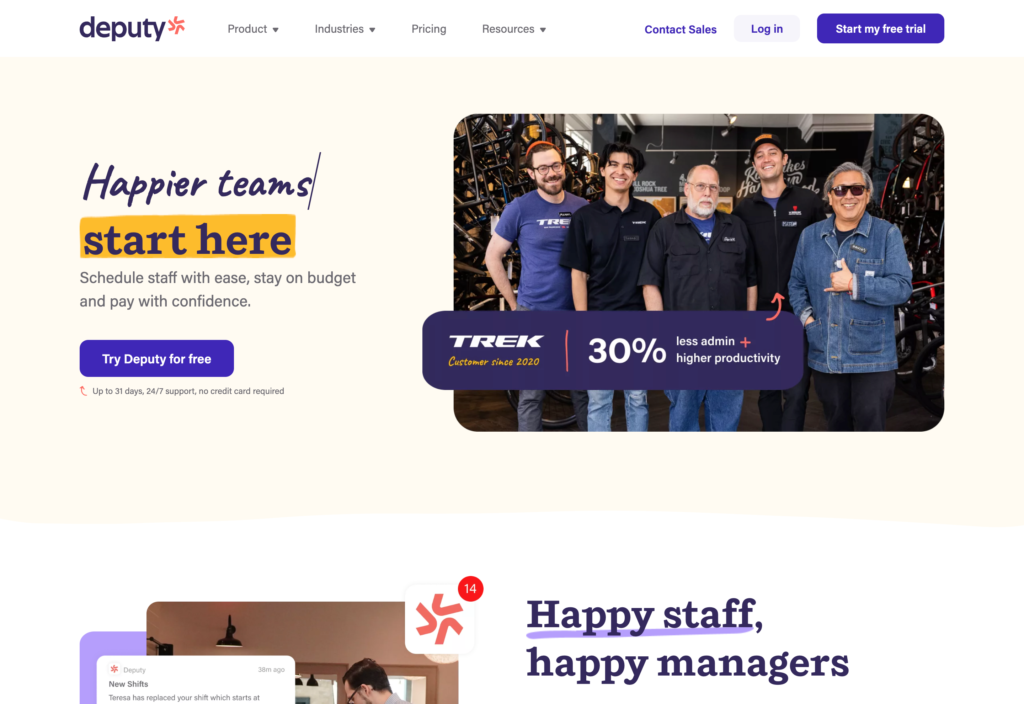
Deputy brings scheduling, time clocks, and timesheets together for shift-based businesses.
Why I chose Deputy: I chose Deputy because it combines qualification checks and labor controls with a self-serve scheduling and attendance workflow.
Scheduling and coverage
Managers can build schedules using Deputy’s drag-and-drop tools, templates, or copied shifts. Open shifts can be claimed with or without approval, and availability checks consider approved leave. Managers can publish selected work areas (i.e. specific teams, roles, or groups within a location) instead of releasing every department’s schedule at once.
During testing, Deputy didn’t flag overlapping shifts when we assigned one employee across two areas. Pending, unapproved leave also didn’t trigger a warning, so supervisors shouldn’t rely on the warning count alone when reviewing coverage.
Labor controls and demand planning
Deputy can check certifications or qualifications and apply break and overtime rules. Core and Pro plans add auto-scheduling, while demand forecasting helps connect staffing decisions to business activity. The Lite plan is a better fit for straightforward hourly scheduling.
In-app payroll and HR support the wider workflow, but they’re only available as paid add-ons for teams not on the Pro plan. For union rules or specialized fatigue requirements, these standard labor controls may not provide the same level of coverage as Shiftboard.
Time tracking and mobile access
Employees can clock in through browsers, phones, or shared kiosks. Location controls include GPS capture and geofencing. Biometric clocking is available, but it sits on Core and above. Deputy’s timesheets bring hours, breaks, absences, and approval actions into one view.
Mobile access becomes read-only without an internet connection. Workers can’t update schedules, timesheets, or draft announcements offline, so reliable connectivity really matters at remote sites.
0Key Features
- Open shifts and work-area schedule publishing
- Qualification, break, and overtime controls
- Auto-scheduling on Core and Pro plans
- Mobile clocks and timesheet approval workflows
Pros
- Connects scheduling with actual attendance records
- Offers self-serve setup for hourly teams
Cons
- Overlapping shifts weren’t flagged during testing
- Offline mobile access is read-only
Pricing
Starts at $5/user/month Trial: Yes — 30 days Free Plan: No
-

Sona — Best for modern frontline scheduling and employee experience
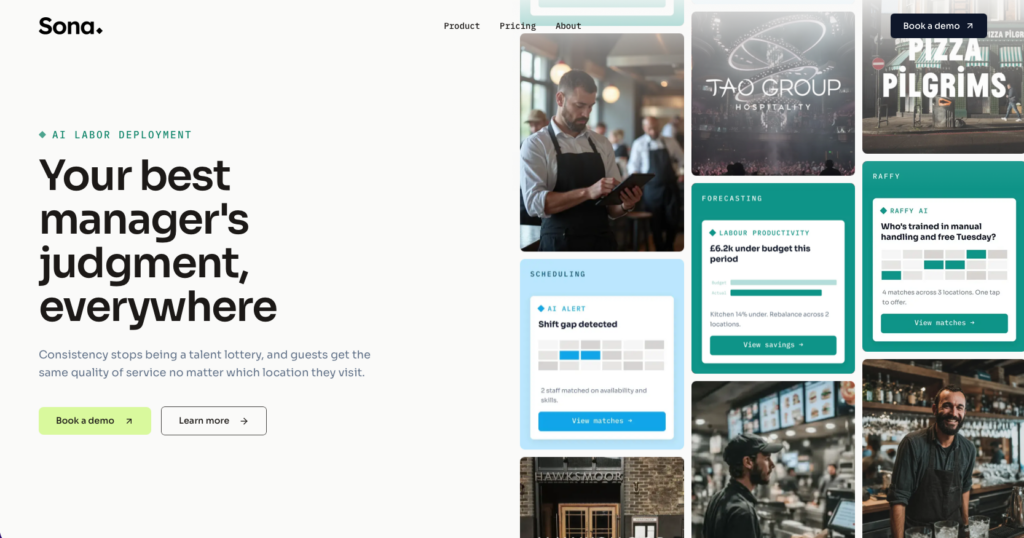
Sona is a workforce-management platform for large, multi-location frontline organizations.
Why I chose Sona: Sona combines employee preferences and cross-location staffing with demand-led scheduling rather than treating employee experience as separate from coverage.
Preference-aware scheduling across locations
Sona’s auto-scheduler balances skills, employee preferences, compliance rules, and budget constraints. Managers can view staffing across sites, share talent between locations, and adjust coverage from one view.
This is useful when one site has spare capacity while another needs help. It also makes preferences part of the scheduling decision, but don’t assume preference-aware scheduling includes formal shift bidding or swaps without confirming those features first.
Demand forecasts and working-time checks
Sona’s forecasting uses historical and live operational data to model demand. Managers can compare staffing scenarios and their costs before committing, helping them assess the effect of changing coverage rather than simply cutting hours.
Scheduling checks address working-time regulations, breaks, and rest periods before publication. It’s a good idea to confirm industrial rule coverage. Sona’s published features include basic rest-period checks, but don’t detail collective-agreement rules or dedicated fatigue-management models.
Attendance and connected workforce data
GPS-based clock-ins and clock-outs tie attendance to site locations. There are also reporting dashboards to track labor costs, shift fulfillment, compliance, and performance, with filters for examining problems in more detail.
Sona offers pre-built and custom API integrations, but the exact scope depends on your custom quote. Confirm which systems and locations are included, who handles implementation, and what setup is required. It’s a custom enterprise platform rather than a simple self-serve scheduler.
Key Features
- Preference-aware auto-scheduling across locations
- Cross-site staffing and coverage management
- Demand scenarios and working-time checks
- Geofenced attendance and workforce reporting
Pros
- Includes employee preferences in staffing decisions
- Connects multi-site coverage with demand planning
Cons
- Industrial rule coverage needs separate unconfirmed
- Integrations require a tailored proposal
Pricing
Contact vendor Trial: No Free Plan: No
-

Celayix — Best for configurable scheduling in complex service operations
What’s new with Celayix
As of 2026, Celayix no longer offers a free trial. You can request a live demo in order to see the software in action.
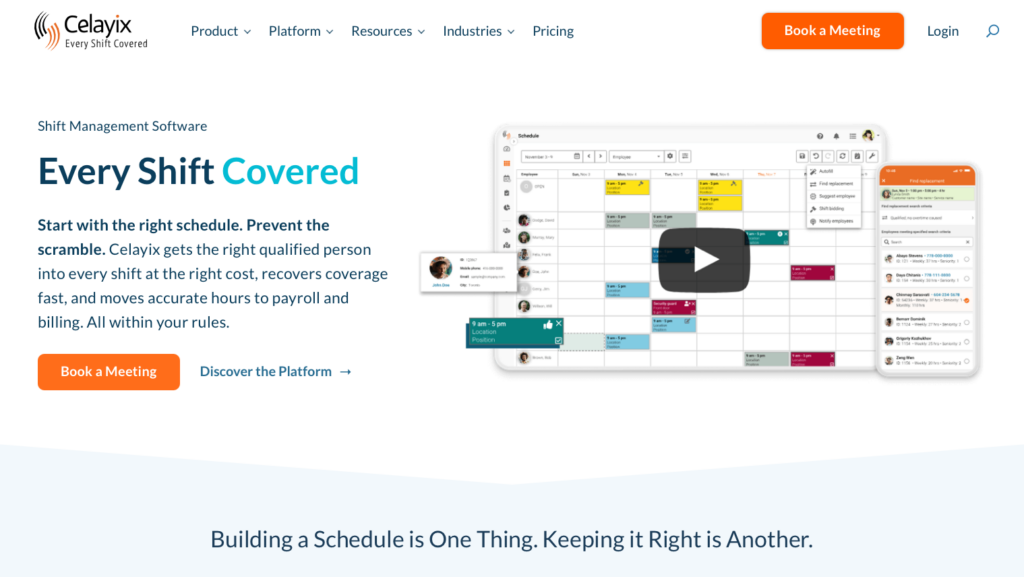
Celayix combines custom scheduling with employee records and attendance tools for service operations.
Why I chose Celayix: Celayix made the list because its auto-fill scheduling lets managers choose exact or partial matches against qualification, availability, and overtime rules.
Rule-based scheduling and shift bidding
With Celayix, managers can create recurring shifts, reuse templates, and use auto-fill to suggest assignees or replacements. Exact matching only suggests workers who meet every requirement. Partial matching can suggest workers who meet only some requirements, so managers need to check which qualifications or conditions they’re missing.
Ultimate and Enterprise plans support self-scheduling and shift bidding, and managers can choose the winning bidders. But Celayix doesn’t offer shift swaps, so managers have to arrange replacements manually.
Qualifications and site attendance
Celayix can track employee qualifications, expiration dates, renewal alerts, and site restrictions, helping managers avoid assigning ineligible workers. Ultimate and Enterprise also add geofenced attendance tracking and overtime calculations.
Payroll integrations vary by provider. Celayix lists isolved and Greenshades as partners, while others may require custom setup. Custom integrations and API access are limited to Enterprise, so check your payroll requirements before choosing a plan.
Mobile workflows and audit reporting
Celayix separates scheduling, attendance administration, and employee access across Schedule Xpress, Time Xpress, and Team Xpress. Employees can check schedules and make requests, but mobile Schedule Xpress doesn’t include auto-fill.
Managers can filter and export operational data, but during testing, we couldn’t generate the audit report for schedule changes because of a separate third-party login and a follow-up error. Test this workflow before relying on it for scheduling audits.
Key Features
- Custom auto-fill with exact or partial matching
- Shift bidding on Ultimate and Enterprise plans
- Qualification expiration tracking and renewal alerts
- Geofenced attendance on higher-tier plans
Pros
- Flexible rules for service-specific assignment needs
- Separates self-scheduling from manager-approved bids
Cons
- No employee-to-employee shift swaps
- Audit report failed during testing
Pricing
$5.40/employee/month + $22.50/scheduling manager/month Trial: No Free Plan: No
-
Connecteam — Best for frontline teams needing simpler scheduling plus workforce operations
Connecteam combines scheduling with time tracking, communication, tasks, and forms for frontline teams.
Why I chose Connecteam: Connecteam helps managers connect each shift to the instructions, conversations, and work records employees need throughout the day.
Scheduling and employee self-service
With Connecteam’s employee scheduler, managers can build schedules across locations, departments, and time zones using a drag-and-drop editor. Shifts can include notes, tasks, files, role requirements, and certifications, while employees can submit availability and time-off requests from the app. Conflict notifications help flag overlaps and double-bookings before publication.
Managers can also post open shifts for qualified employees to claim, require approval for replacements, and let workers request swaps from their phones. Auto-scheduling assigns open shifts based on availability, roles, qualifications, and staffing needs. There are also repeating shifts and templates, but they require the Operations Advanced plan or above.
Connecteam works for everyday frontline scheduling, but it isn’t built for complex union rules, fatigue models, or production scheduling.
Shift tasks, forms, and checklists
Connecteam lets managers add notes, tasks, locations, and photos to shifts. Employees receive the information they need alongside the assignment rather than searching for separate instructions.
Digital forms and checklists also let teams collect photos, signatures, and location stamps, with stored submissions and exports. These tools connect scheduling with daily work, like opening checks and site inspections. But be aware that Connecteam isn’t designed as a specialized manufacturing scheduler.
Time tracking and team communication
Connecteam’s employee time clock lets employees clock in from mobile, desktop, or kiosk, with GPS, geofences, and NFC for location checks. Hours feed into timesheets for review before payroll, while managers can set breaks, track overtime, send alerts, and use automatic clock-out.
The online team chat keeps assignment questions and schedule changes in the same app, which can reduce the need for separate messages and spreadsheets.
Features are split by hub and plan. Scheduling and time tracking are in Operations, while messaging tools are in the separately priced Communications Hub.
0Key Features
- Drag-and-drop and auto scheduling
- Availability, custom rules, and conflict detection
- GPS time tracking with overtime and break controls
- Shift tasks, mobile forms, and checklists
Pros
- Connects schedules with everyday frontline work
- Employee can claim open shifts and request swaps
Cons
- Not a substitute for industrial rule engines
- Included features depend on the hub and plan
Pricing
Free-for-life plan availablePremium plans start at $29/month for 30 users
14-day free trial, no credit card required
Start your free trial
Compare the Best Shiftboard Alternatives
| Topic |
|
|
|
|
|
|
 Start for free
|
|---|---|---|---|---|---|---|---|
| Reviews |
N/A
|
  |
N/A
|
|
N/A
|
|
|
| Pricing |
Contact vendor
|
Starts at $2.75/user/month
|
Contact vendor
|
Starts at $5/user/month
|
Contact vendor
|
$5.40/employee/month + $22.50/scheduling manager/month
|
Starts at just $29/month for the first 30 users
|
| Free Trial |
no
|
yes
30 days
|
no
|
yes
30 days
|
no
|
no
|
yes
14-day
|
| Free Plan |
no
|
no
|
no
|
no
|
no
|
no
|
yes
Free Up to 10 users
|
| Use cases |
Best overall for enterprise workforce optimization and complex scheduling
|
Best for complex workforce scheduling with broad market recognition
|
Best for manufacturing and industrial labor scheduling
|
Best for scheduling plus compliance and labor controls
|
Best for modern frontline scheduling and employee experience
|
Best for configurable scheduling in complex service operations
|
Best for frontline teams needing simpler scheduling plus workforce operations
|
| Available on |
FAQs
Indeavor is the manufacturing-focused pick, while Quinyx leads this list for broader enterprise optimization. Check both if production demand, qualifications, and workforce rules drive coverage. Ask each vendor to demonstrate your specific agreements and fatigue requirements.
Yes, if the operation no longer needs specialist industrial rules. Connecteam fits teams prioritizing scheduling plus frontline operations, while Deputy suits scheduling and attendance controls. Neither should be assumed to replace every capability of complex workforce scheduling software.
The Bottom Line
The right Shiftboard alternative depends on how much scheduling complexity you need. Industrial and regulated operations should prioritize specialist workforce rules and production fit. Other organizations may place more value on easier employee self-service, connected time records, or less day-to-day administration. Choose the platform that handles your essential workflows without adding unnecessary complexity.
For teams whose needs are simpler, Connecteam brings scheduling together with communication, time tracking, tasks, and forms. It’s a practical option for keeping frontline work coordinated.
