

Nurse staffing is a crucial aspect of healthcare management, and it’s essential to have the right number of qualified nurses on duty to provide high-quality care and ensure patient safety.
However, managing nurse staffing can be a complex and challenging task, especially in large healthcare facilities with multiple departments and shifts.
Nurse staffing software is specifically designed to help healthcare organizations streamline their staffing processes.
Let’s go over what to look for in nurse scheduling software and my top 3 picks for 2024.
Our Top Picks
-
1

Best all-in-one nurse scheduling software
-
2

Good for scheduling communication
-
3

Good for managing schedule changes
Why trust us?
Our team of unbiased software reviewers follows strict editorial guidelines, and our methodology is clear and open to everyone.
See our complete methodology
What to Look for in Nurse Scheduling Software
- Drag-and-drop scheduler: You should be able to drag and drop shifts into a digital schedule or use preexisting schedule templates.
- Auto-scheduling: This feature automatically generates schedules based on availability, preferences, and business needs to speed up the process and eliminate manual scheduling.
- HIPAA compliance: HIPAA compliance is important to ensure that private patient data is kept safe and secure.
- Time and attendance tracking: The software should accurately track the number of hours worked, breaks, and overtime.
- Skill tracking and certification management: Managers should be able to track staff skills and certifications and ensure that all nurses are qualified and up-to-date.
- Reporting and analytics: Robust reporting and analytics give you insights into staffing levels, overtime costs, and other key metrics so you can identify trends and optimize scheduling.
- Customizable shifts: You should be able to create custom shifts and rotations to match your organization’s unique needs. This feature enables you to optimize staffing levels, reduce overtime costs, and improve patient care.
- Employee self-scheduling: Scheduling software that allows your staff to claim or request shifts can reduce scheduling conflicts and improve employee satisfaction.
- Internal communication: Nurses should be able to communicate with each other and to managers directly from the app.
3 Best Nurse Scheduling Software of 2024
-
Connecteam — Best all-in-one nurse scheduling software
Key Features
Availability settings
Shift replacements
Drag-and-drop templates
Shift task management
Shift chat shortcut
Automatic notifications
Pros
All-in-one solution
Extremely attractive and easy to use
Can easily track nurses’ availability
Excellent customer support
Cons
Needs internet or wifi access to work
Connecteam is the best all-in-one nurse scheduling software, specifically designed to create, assign, and oversee shifts.
Let’s take a closer look at how Connecteam can help with scheduling your nursing staff:
Connecteam is HIPAA compliant, ensuring patient information is kept safe and secure
Connecteam is HIPAA compliant, which means that you and your staff can legally and safely talk about, share, and store pertinent patient information within the app.
Whether two healthcare workers need to securely discuss a patient or store important patient documents within the app, Connecteam ensures that all information is kept private so your organization remains compliant with HIPAA regulations.
Smart drag-and-drop scheduling
The employee scheduler allows you to create nurse schedules in minutes with an intuitive drag-and-drop interface. Easily create recurring shifts and allow one-click shift swapping.
Connecteam lets you schedule nurses by their work preferences, availability, and qualifications. Or, you can create open shifts that any worker can claim. Your team members can request to swap shifts with a coworker, and you can review and approve these requests in seconds.
The app also prevents costly scheduling mistakes by alerting managers when there are scheduling conflicts and inconsistencies.
Auto-scheduling to eliminate manual scheduling
With auto-scheduling, you can predefine how many staff you need per shift as well as which roles. Then, the auto-scheduler will create the schedule for you, taking into consideration employee availability, work preferences, skill sets, and business needs.
You can also easily make any changes manually if you need to, drastically speeding up the scheduling process.
Forms, checklists, and notes for shifts
Add notes, documents, digital forms, and checklists to shifts. Notes might include instructions for specific patients, while checklists are a great way to ensure everything gets done on time.
This way, staff has all the information they need, right at the start of their shift and reduces back-and-forth communication.
Break, overtime, and time off management
You can set custom rules for breaks and overtime, add the hours to your team’s schedules automatically, and the app will calculate break and overtime pay for you.
Connecteam also helps you manage PTO, sick leave, and other absences based on your company’s custom accrual rules. Employees can easily view their time off balances and request PTO right from within the Connecteam app.
And much more…
In addition, Connecteam comes with many other features to streamline team management and your daily workflows, such as GPS location tracking, task management tools, on-the-go onboarding and training, digital employee knowledgebase, surveys and live polls, and more.
Connecteam also has a free-for-life plan for small businesses and it takes just a few minutes to sign up or book a demo.
Connecteam also offers a free for life plan – Try Connecteam here!
0Pricing
Free-for-life plan availablePremium plans start at $29/month for 30 users
14-day free trial, no credit card required
Start your free trial -
eSchedule — Good for scheduling communication
Available on
- Web
Key Features
- Notifications in real-time
- Manage shifts including time-off requests
- Customized reports
- Keep tabs on hours worked
Pros
- Sufficient automation options
- User-friendly
Cons
- Prone to bugs
- Difficult to change schedule format
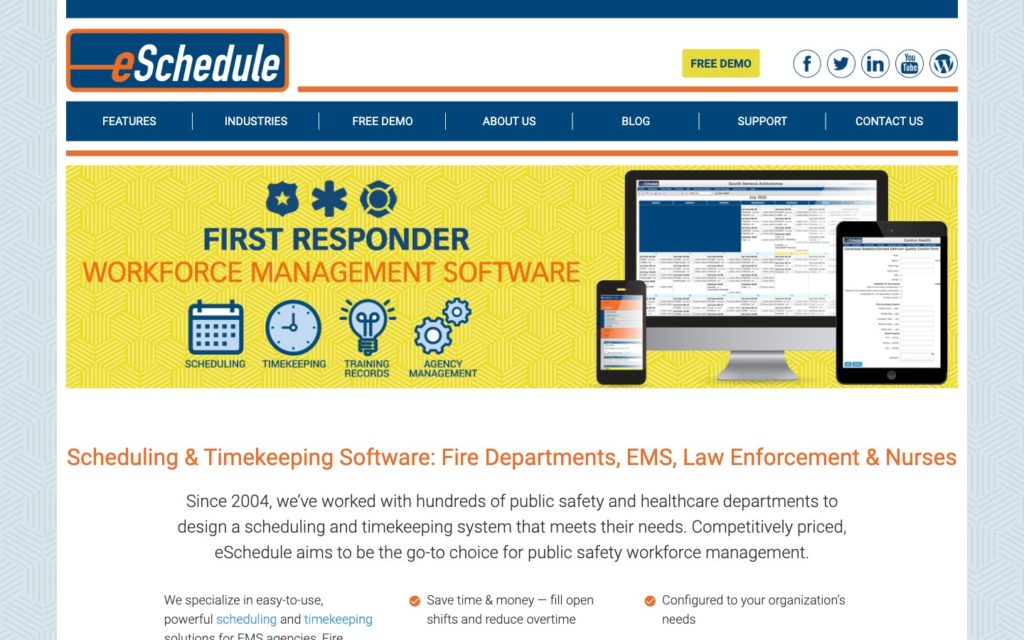
Medical centers turn to eSchedule because of its user-friendly platform and ease of use, and the fact that it’s specifically designed for EMS and healthcare professionals.
The scheduling feature allows you to create and modify scheduling templates tailored to the specific needs of your healthcare organization. You can design templates that accommodate various shift patterns, roles, and skill requirements.
You can then assign shifts to employees directly in the employee scheduler, and the system automatically tracks and prevents double-booking and over-scheduling.
With the Timekeeping Module, nurses can clock in and out of their shifts, build their own timecards at their own convenience, and request time off.
When employees submit time off requests, they can indicate the type of leave they want to take and which dates. You’ll then receive these requests in real-time and can approve or deny them directly within the app.
The software also automatically tracks everyone’s time off, allowing both employees and managers to monitor available leave balances and past time off requests.
Communication is another great feature of eSchedule. In-app messaging makes direct communication between all users incredibly easy, both with one-on-one and group messaging, and notifications for new messages ensure that employees receive timely updates.
Pricing
Starts at $900/year (up to 10 employees) Trial: No Free Plan: No
-
Shiftboard — Good for managing schedule changes
Key Features
- Flexible scheduling
- Qualified workers are automatically assigned shifts for their skillset
- Create smart groups for employees
- Communicate by department or individual
Pros
- Employee self-service options
- Easy to learn
Cons
- Poor customer service
- Insufficient reporting options
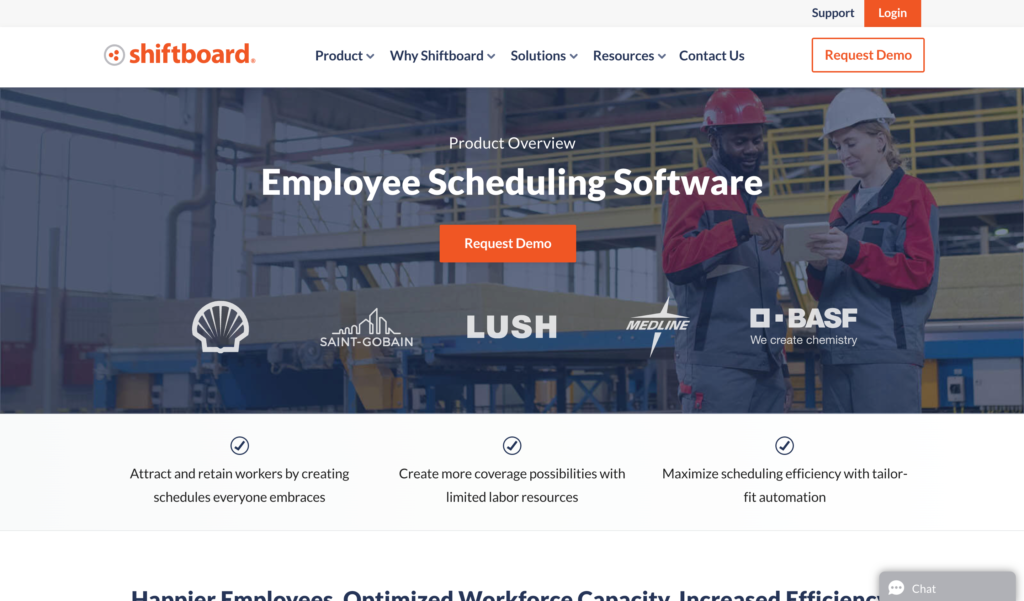
Shiftboard is great for maximizing scheduling efficiency and creating more shift coverage.
One of Shiftboard’s core features is schedule automation, which allows you to automatically generate schedules based on pre-defined criteria. You can input parameters like employee availability, qualifications, and shift preferences, and the software utilizes this data to create optimal schedules that comply with labor laws.
You can also set the software to implement recurring shifts, which can be set up once and then automatically populated for future scheduling.
Another feature I really like is labor demand planning. By analyzing trends in labor requirements, Shiftboard can predict the number and type of staff needed for different times and shifts so you can be sure schedules meet labor needs. Managers can adjust needs whenever they want so staffing levels are always aligned with operational requirements.
Shiftboard also makes it easy to handle last-minute scheduling changes. Referred to as ‘change management’ within the app, this includes everything from employee shift swaps to unexpected time-off requests or sudden changes in labor demand.
The software provides a centralized platform where changes can be requested, approved, and automatically updated in the schedule. When an employee requests a shift change or time off, the request is sent to a manager for approval.
Once approved, Shiftboard automatically updates the schedule and notifies all relevant employees of the change so that everyone is aware of it.
Pricing
Contact vendor for price Trial: No Free Plan: No
Compare the Best Nurse Scheduling Software Solutions
| Topic |
 Start for free
|
|
|
|---|---|---|---|
| Reviews |
  |
|
|
| Pricing |
Starts at just $29/month for the first 30 users
|
Starts at $900/year (up to 10 employees)
|
Contact vendor for price
|
| Free Trial |
yes
14-day
|
no
|
no
|
| Free Plan |
yes
Free Up to 10 users
|
no
|
no
|
| Use cases |
Best all-in-one nurse scheduling software
|
Good for scheduling communication
|
Good for managing schedule changes
|
| Available on |
Web
|
