


Payroll errors, benefits questions, and leave requests can pull your administrative team away from staffing appointments and supporting patients.
A professional employer organization (PEO) can take some of that HR work off your team, but choosing the right one for a healthcare business takes more than just comparing fees.
Your clinical services, staff roles, locations, and insurance needs can all affect which PEO is a good fit. This guide explains where a healthcare PEO can help, what your business still handles, and which providers are worth a closer look before you request quotes.
Key Takeaways
- Start with your healthcare segment and job duties, not a provider’s general industry label.
- A PEO can handle payroll, benefits, and agreed HR tasks, but it doesn’t take over patient care.
- Check workers’ compensation eligibility early, and get written acceptance before signing.
- HIPAA duties depend on the services and data involved, not the PEO label.
- Compare total costs, benefit networks, support, and exit terms on the same basis.
- Keep scheduling and daily workforce management connected to your HR setup.
Is a PEO a Good Fit for a Healthcare Business?
A PEO is worth considering when employment tasks have outgrown your healthcare business’s internal HR team. Under a co-employment agreement, the PEO and your business share certain employer duties. You still run the business and supervise its employees.
You may be looking for stronger benefits to compete for staff, expanding into another state, or spending too much time fixing payroll issues. A PEO can also provide ongoing support with leave, workers’ compensation, and employment policies.
But a PEO isn’t always the best way to solve those problems. Here’s what to think about:
| Approach | When to consider it | What to check first |
|---|---|---|
| PEO | You want payroll, benefits, and HR support through co-employment. | Accepted industries, insurance fit, service scope, and total cost. |
| Payroll provider plus separate HR support | You mainly need payroll help or want to keep your benefits broker and insurance. | Who owns each task and resolves problems between vendors. |
| In-house HR with specialist advisers | You already have an HR team and custom systems or benefits. | Whether outsourcing would remove work or duplicate it. |
Healthcare businesses don’t all face the same risks. A physician practice or dental group may care most about benefit networks and payroll across multiple offices, while home-health and care employers may need closer review of home visits, patient lifting, travel, and changing shifts.
A behavioral-health provider should clarify whether care is office-based or residential. A laboratory may need to explain specific exposure risks, while a healthcare-tech company may have no patient-facing employees at all. These differences should help shape your shortlist.
Use this checklist to see whether a PEO is likely to match your healthcare business before you start comparing providers:
Healthcare PEO fit checklist
- Benefits tasks or recurring HR questions take time away from running the business.
- Your team needs help with multi-state hiring, payroll, or leave.
- You’re comfortable with the proposed co-employment agreement.
- The provider will consider your exact work and workers’ compensation classes.
- Its benefit plans and insurance meet your employees’ needs.
- Its systems can exchange the data you need without duplicate work.
If insurance, benefits, or system fit fails, don’t let a low monthly fee override that problem. A mature HR team or a need to keep specialist insurance may also weaken the case for a PEO.
Pro Tip
A dental group opening a second location may need broader HR support. A practice with a capable HR team may only need better time tracking. Define the problem before buying a full PEO package.
Healthcare Workforce Issues PEOs May Help Administer
The IRS describes PEOs as handling payroll and tax-reporting tasks. Broader HR services depend on the provider and contract. Ask for a written list of services rather than relying on “full-service HR.”
Get payroll inputs right before money moves
Look for support for salaried, hourly, and per-diem staff, including people paid by the day or shift. Check how the system handles work across sites and states. Ask about different pay rates, shift premiums, extra pay runs, tax filings, and corrections.
Healthcare overtime isn’t always a simple multiple of base pay. DOL’s healthcare overtime guidance explains that shift differentials and certain bonuses must count in the regular rate used for overtime. The special “8 and 80” rule applies only to qualifying hospitals and residential care facilities under set conditions. It isn’t an option for every healthcare employer.
Home-care employers must also record paid travel between clients during the workday. A payroll service can’t pay correctly for hours your process misses.
Connecteam lets managers review hours and export timesheets for payroll. Before relying on an integration, check the transfer method. Make sure each pay code reaches the right field in your PEO’s system.
Pro Tip
Give each finalist the same payroll example, with employee names removed. An employee works at two sites, earns a shift premium, and receives a bonus. Ask the payroll specialist to explain the calculation and how they’d fix an error.
Make benefits and leave easier to navigate
A PEO may handle enrollment, benefit deductions, employee questions, and agreed leave tasks. Compare the actual health plans, local provider networks, and rules for joining. Check what the employer and employee each pay, not just the carrier’s name.
Leave support should cover the federal, state, and local rules that apply to you. For example, California’s sick-leave guidance explains that longer workdays affect how its minimum leave is measured. One national PTO setting may miss that detail.
Connecteam’s time off management tools let employees submit requests and give managers visibility into balances and approved absences for easier coverage planning. It supports the day-to-day process but doesn’t replace guidance on protected leave or the PEO’s agreed responsibilities.
Give staff a clear route for HR questions
Check who handles new-hire paperwork, employee records, handbooks, and leave notices. Set a clear route for questions about pay or benefits. Your office manager shouldn’t have to chase several contacts to resolve every ticket.
Healthcare Responsibilities That Remain With the Employer
Outsourcing HR doesn’t outsource clinical judgment. Under the co-employment model, the client still runs the business and supervises staff. Your agreement should make the boundaries clear.
| Area | PEO administration may include | Healthcare employer retains |
|---|---|---|
| Payroll and taxes | Processing, filings, deductions, and agreed support. | Accurate hours, pay decisions, approvals, and duties not transferred by law or contract. |
| Benefits and leave | Enrollment, employee support, tracking, notices, and agreed leave tasks. | Funding choices, timely information, workplace decisions, and staffing cover. |
| Workers’ compensation and safety | Coverage, claims support, safety resources, and reporting help. | Hazard control, incident reporting, safe work practices, and onsite action. |
| Onboarding and records | Employment forms, HR files, and policy acknowledgments. | Ensuring staff are qualified and required clinical credential checks are completed, even if verification is outsourced. |
| Clinical work | No clinical management should be assumed. | Clinical supervision, scope-of-practice decisions, patient care, licensing, and clinical-duty training. |
| Daily operations | HR software or optional workforce tools. | Staffing levels, schedules, infection control, electronic health record (EHR) systems, and workplace operations. |
For example, OSHA requires employers with relevant workplace exposure to put a bloodborne-pathogens control plan into practice. Access to a PEO’s safety adviser doesn’t replace that work.
Also don’t assume workers’ compensation includes malpractice insurance. Ask your insurance adviser to review professional liability and other coverage separately.
Keep shift operations connected with Connecteam
A PEO may handle core HR work, but your managers still need to fill shifts and share changes. Connecteam’s scheduling app supports repeating schedules, availability, and open shifts with approval.
Its PEO partnership offering also covers work chat (with an optional HIPAA add-on), tasks, forms, and staff training. Use these for nonclinical work such as policy updates and opening checklists. They don’t replace clinical credential checks or professional licensing. Keep EHR systems and HIPAA-regulated patient workflows separate from this staff-management setup.
Pro Tip
Choose one owner for each handoff. Managers approve hours, a named payroll contact checks the export, and the PEO confirms processing. A connected system still needs a clear approval process.
HIPAA and Employee Data
Hiring a PEO doesn’t automatically make your healthcare business HIPAA compliant. Start by asking what information the PEO needs and why.
HHS says the HIPAA Privacy Rule doesn’t protect employment records, even when they’re health-related. But an employee’s medical or health-plan records are different. The rule protects those records when the employee is a patient of a covered provider or a member of a covered health plan. Other privacy and confidentiality rules may still apply to employment records.
A PEO’s role as a business associate depends on its work and the data involved. Does the service create, receive, store, or send protected health information (PHI) on behalf of a covered entity? HHS explains when that creates a business-associate relationship. If it does, put the required written agreement and safeguards in place.
Before sharing data:
- Map the data needed for payroll, employment tasks, and health-plan services separately.
- Ask your privacy or legal adviser to check each party’s HIPAA role and whether it needs a business associate agreement (BAA).
- Review who can access records, security documents, subcontractors, breach procedures, and rules for keeping or deleting data.
Pro Tip
Don’t put patient names, treatment details, or clinical notes into payroll descriptions or ordinary HR messages. Share only the information needed for the employment task.
Workers’ Compensation and Risk Fit
Get approval before investing time in a sales demo. A provider that supports healthcare payroll may still be unable to accept your workers’ compensation risks.
Class codes group work for insurance purposes. The insurer reviews actual duties, work locations, and claims history. This risk review is called underwriting. California’s insurance regulator explains that base rates aren’t quotes. Insurers may also limit which classes and businesses they’ll accept.
Give each finalist the same facts: legal entities, states, job duties, payroll by class, and past claims. Disclose patient lifting, home visits, driving, laboratory work, and any staffing activity. Have your broker or carrier check the codes rather than choosing them yourself.
The providers below have healthcare-related evidence. But none of the reviewed public sources confirms acceptance of every relevant healthcare class. Ask each provider to confirm, in writing:
- Which entities, job classes, and states it will cover.
- Any exclusions, separate policies, or special conditions.
- How claims, return-to-work support, payroll changes, and premium adjustments work.
- What happens to coverage when you add a service or leave the PEO.
Pro Tip
A home-care employer adding patient-lifting duties or a new clinical service should disclose the change before assuming existing coverage applies. “We serve healthcare” isn’t an insurance acceptance letter.
Best PEOs for Healthcare Businesses
| Provider | Best for | Why it made the list | Key consideration |
|---|---|---|---|
| TriNet PEO | Multi-location surgery centers seeking benefits and HR support. | A documented surgery-center customer. | Curated medical plans can limit carrier and network choice |
| ADP TotalSource | Growing, multi-state healthcare employers wanting broad specialist support. | An occupational-health customer using TotalSource. | Some services vary by state |
| Justworks PEO | Smaller, lower-complexity W-2 teams wanting published service prices. | A dedicated healthcare offering, subject to underwriting. | Workers’ comp and medical eligibility can restrict enrollment |
| Paychex PEO | Smaller and midsize employers focused on payroll and connected workforce tools. | Healthcare payroll services; PEO approval needs a separate check. | PEO coverage depends on reported workers and approved job classes |
| Insperity | Healthcare-tech and medical-supply businesses seeking hands-on HR support. | Healthcare-tech and medical-distribution customers. | Customer cases don’t establish direct-care eligibility |
* Pricing: Justworks PEO Basic starts at $79/employee/month and Plus at $124/employee/month. The other four providers require custom quotes; insurance and add-ons may cost extra. Prices were checked September 28, 2026.
These picks suit different needs. They aren’t a universal ranking or proof that your business qualifies. I put direct healthcare evidence first, then compared payroll, benefits, risk support, service, technology, and price clarity.
This guide draws on official sources and published customer examples. It isn’t based on hands-on testing or negotiated quotes. Here, “W-2 teams” means businesses staffed mainly by employees, rather than independent contractors.
The Healthcare PEO Providers
-
TriNet PEO: Best for multi-location surgery centers
-
ADP TotalSource: Best for multi-state healthcare growth
-
Justworks PEO: Best for published administration pricing
-
Paychex PEO: Best for payroll-focused employers
-
Insperity: Best for healthcare-tech and medical-supply employers
Website: TriNet PEO
Ratings: Capterra 4.0/5 | GetApp 4.0/5 | G2 4.2/5 | Software Advice 4.0/5 | TrustRadius 8.0/10 | App Store 4.8/5
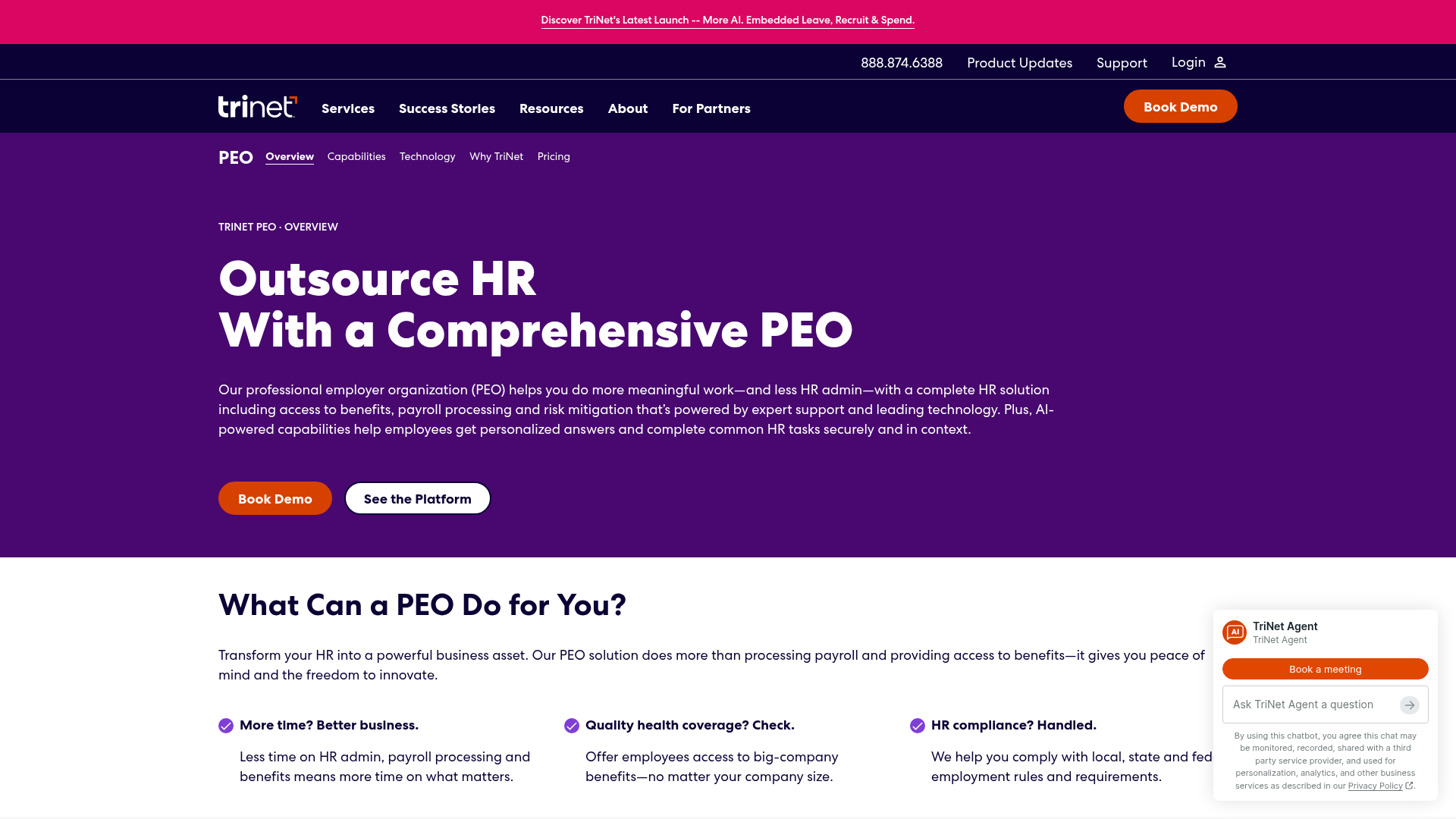
TriNet has more specific clinical evidence than a generic life-sciences page. Its 90210 Surgery case describes HR support, technology, and benefit access for a surgery center with several sites. TriNet labels the story as life sciences, but the customer itself provides clinical care.
Its PEO services combine payroll, benefits, HR expertise, and employee support. The platform connects time and attendance, benefits, and payroll, with mobile access and reports. Its workers’ compensation offering includes claims support, safety services, and return-to-work help.
Consider TriNet when competing for skilled staff and managing HR across sites are major concerns. Check the local health-plan networks before judging the benefits package.
Pricing: A custom monthly quote uses a per-employee service fee. Benefit premiums, payroll taxes, and some add-ons are separate. TriNet also has a minimum worksite-employee requirement. Confirm the threshold when requesting a quote.
Main limitation: The surgery-center example doesn’t prove that TriNet accepts home care, dental work, labs, or every clinical class. Get written underwriting approval. Before launch, test per-diem pay and your timekeeping export. Don’t assume the standard setup covers them.
Website: ADP TotalSource
Ratings: Capterra 4.2/5 | GetApp 4.2/5 | G2 4.3/5 | Software Advice 4.2/5 | TrustRadius 7.1/10 | App Store 4.7/5
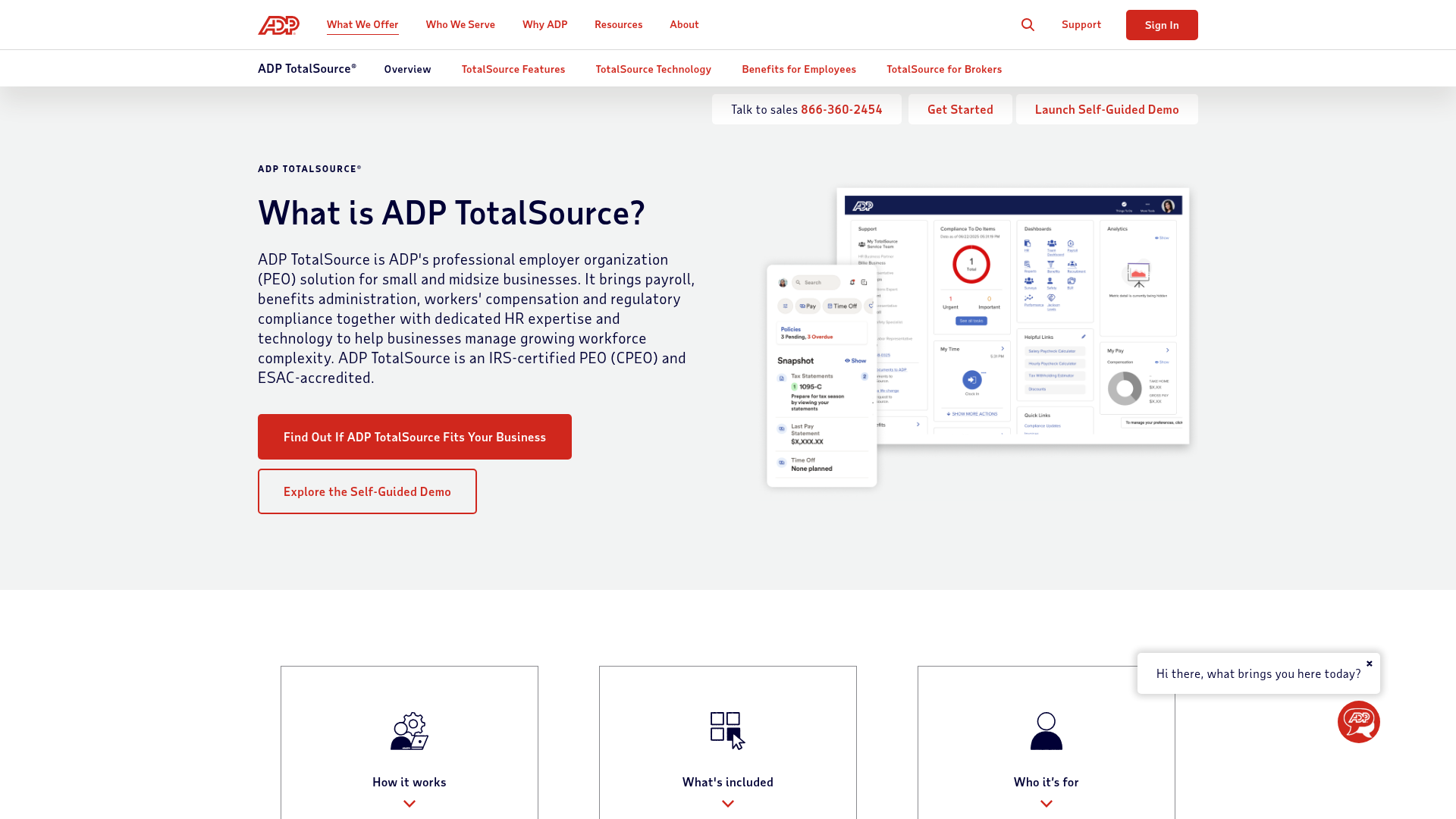
ADP’s Work Health Solutions case names an occupational-health business using TotalSource. That’s stronger evidence than ADP’s general healthcare marketing alone.
The TotalSource feature set includes payroll and tax services, medical and other benefits, and an HR business partner. Payroll, benefits, and risk specialists provide further support. It also lists workers’ compensation claims services, safety reviews, and nurse triage for workplace injuries.
Mobile self-service and reports give managers and staff access to HR information. ADP’s healthcare case also describes help with gathering employee data and setting up the system. This makes it worth a look for a growing business that needs several types of support.
Pricing: TotalSource pricing requires a quote. Ask for service fees, benefits, workers’ compensation, taxes, and optional services to be shown separately.
Main limitation: A large platform still needs the right setup. Ask the team to show how it handles your shift premiums, sites, and variable hours. Confirm your payroll duties and supported integrations. The occupational-health case doesn’t prove that all home-health or clinical-staffing businesses qualify.
Website: Justworks PEO
Ratings: Capterra 4.6/5 | GetApp 4.6/5 | G2 4.6/5 | Software Advice 4.6/5 | TrustRadius 7.2/10 | App Store 4.8/5
Connecteam review: Read our Justworks PEO review
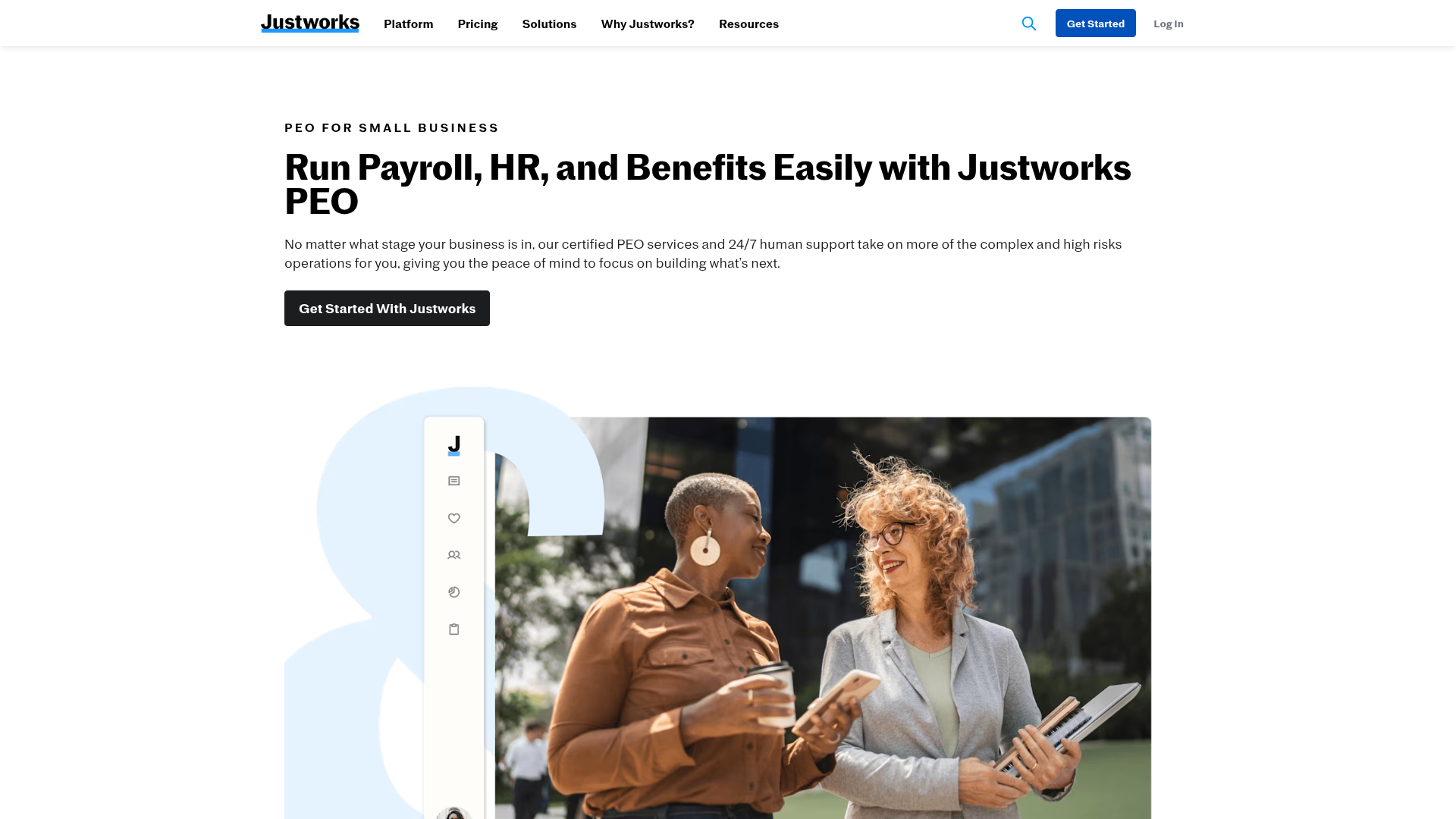
Justworks’ healthcare page describes payroll, benefits access, HR support, and multiple pay rates. Its mobile tools and accounting integrations make it worth considering for a smaller employee-led business that wants a straightforward HR setup.
Pricing: The published PEO prices are $79 per employee/month for Basic and $124 for Plus, with no base fee. Plus adds medical, dental, and vision plan administration. Health premiums, workers’ compensation, and selected extras aren’t included in those fees. Time Tracking is listed separately at $8 per employee/month.
Main limitation: Workers’ compensation approval is a real gate. The enrollment FAQs explain that the master policy’s risk limits mean it can’t support every business. Don’t assume home care or a contractor-heavy staffing business qualifies. Medical coverage requires at least two eligible enrollees from different households, and carriers may have additional participation requirements.
Those FAQs also set different rules for joining payroll and getting medical benefits. Justworks requires at least two people for PEO payroll, though one can be an unpaid owner. To access its medical plans, at least two eligible people from different households must enroll. Check both rules against your staff mix. Ask the team to check both against your staff mix. Confirm the start date, too: Justworks can’t process pay for work before your PEO start date. Have it show how per-diem pay works rather than assuming multiple pay rates cover every case.
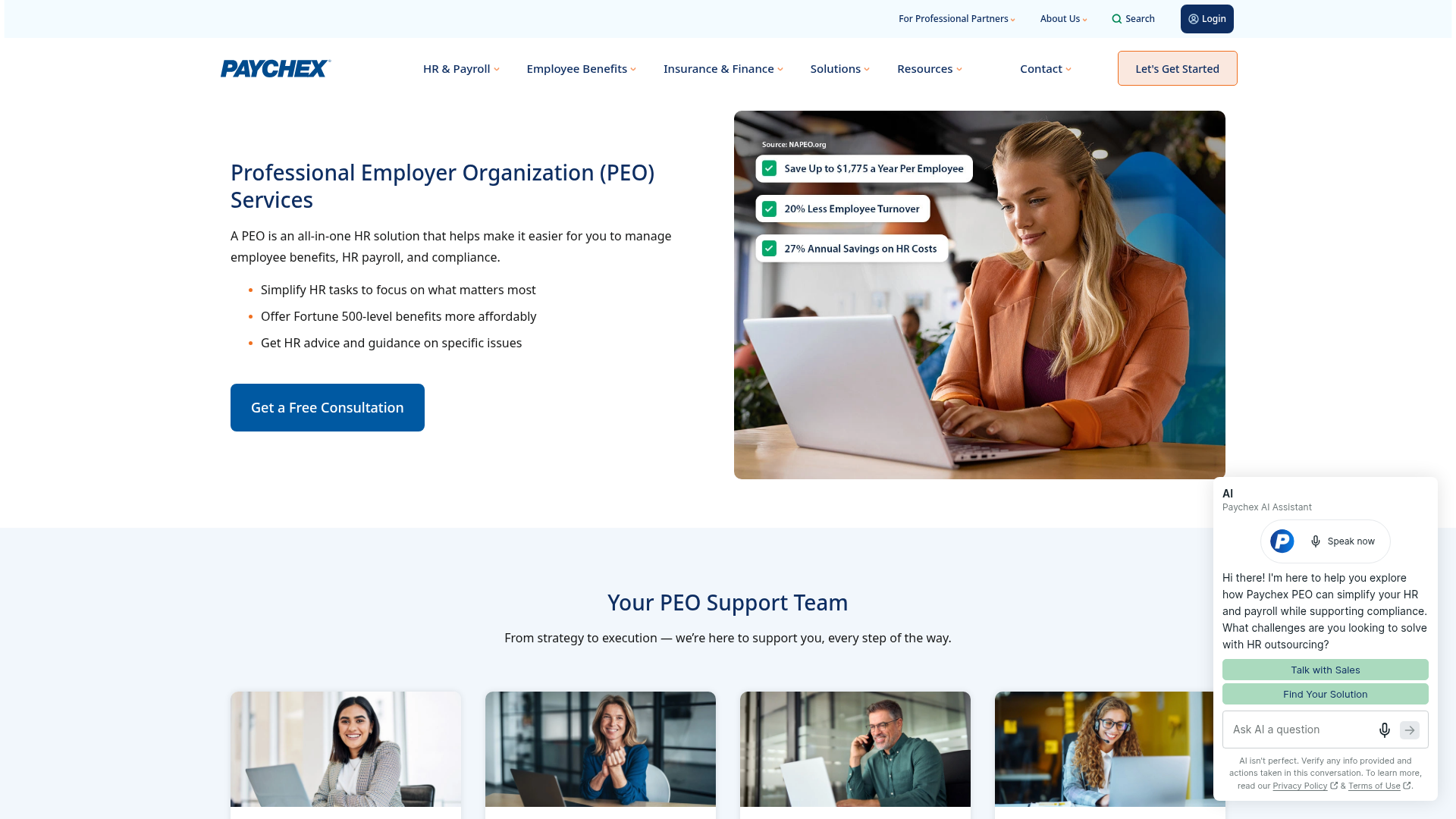
Website: Paychex PEO
Ratings: Capterra 4.2/5 | GetApp 4.2/5 | G2 4.1/5 | Software Advice 4.2/5 | TrustRadius 6.7/10 | App Store 4.8/5
Connecteam review: Read our Paychex PEO review
Paychex’s healthcare services cover payroll, benefits, time tracking, and HR support. Its published podiatry customer example concerns payroll. It doesn’t prove that the customer uses the PEO.
The PEO service model gives you a payroll specialist and HR business partner. A client advocate and safety specialist also provide support. Clients on Paychex’s PEO master workers’ compensation policy can also access a Safety Specialist. Workers’ compensation services include help with claims and reports.
Paychex Flex provides mobile access and reports. Its integration directory lists workforce and accounting connections, including Connecteam. Check that each connection works in your exact PEO setup. Test how hours, PTO, and pay codes move between systems before the first live payroll.
Pricing: Custom quote; no standard PEO service price was published in the reviewed offering.
Main limitation: The PEO terms define covered employees. They limit the arrangement to properly reported work within listed workers’ compensation codes. Independent contractors aren’t covered employees. For a mixed workforce, agree on which people and duties fall inside the arrangement before comparing quotes. Otherwise, two proposals may appear similar while covering different groups.
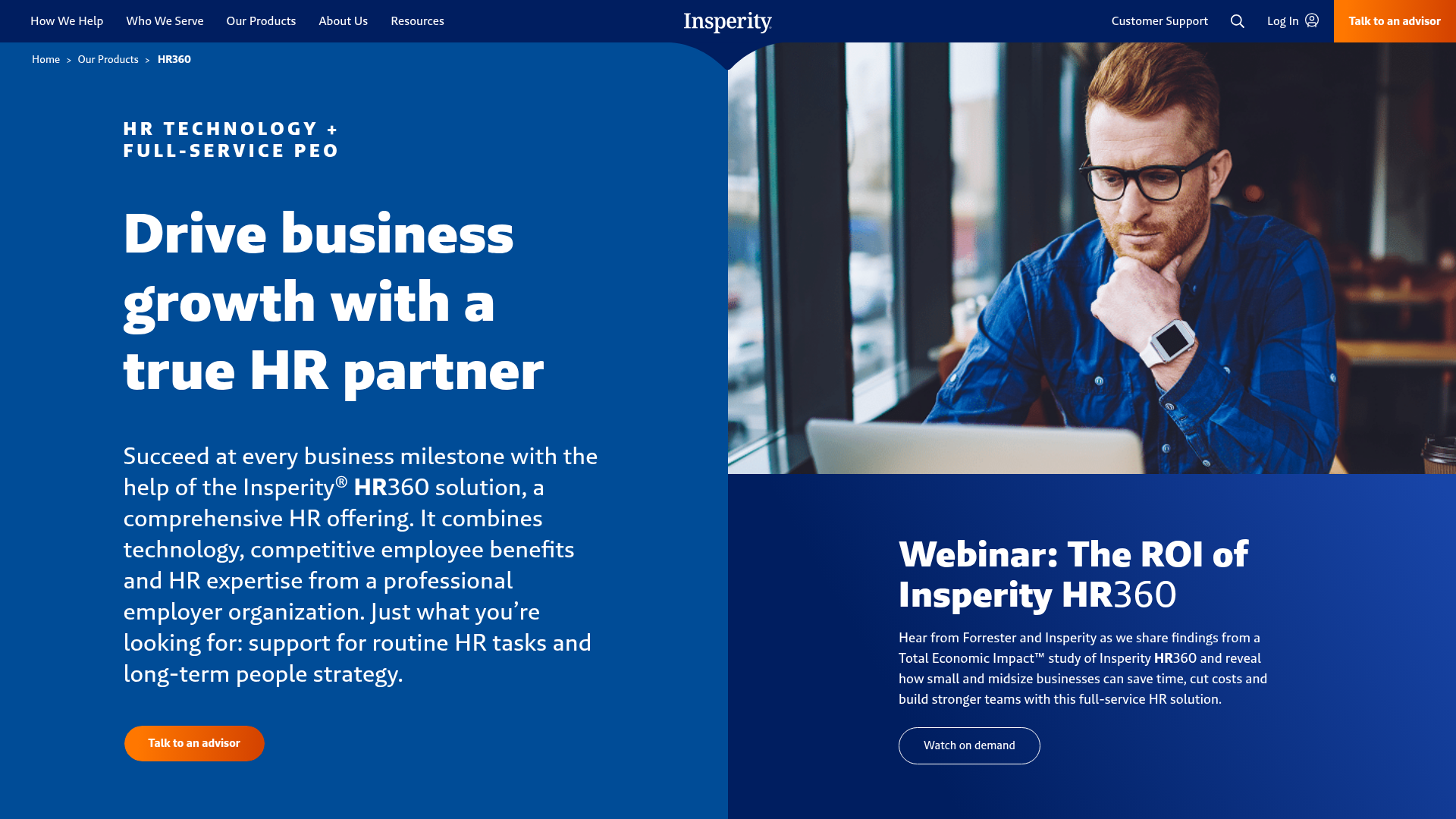
Website: Insperity HR360
Ratings: Capterra 5.0/5 | GetApp 5.0/5 | G2 4.3/5 | Software Advice 5.0/5 | TrustRadius 6.6/10 | App Store 4.7/5
Insperity has healthcare-sector examples, but their scope matters. Interlace Health is a healthcare-tech business. Right Way Medical supplies specialty IV products. The latter case describes multi-state payroll, HR, onboarding, and workers’ compensation support.
Its HR 360 service combines payroll, benefits services, HR software, and a dedicated support team. Staff can view pay, benefits, and related information through Insperity Premier and its mobile app.
I would shortlist it for a healthcare-tech or medical-supply employer that needs ongoing HR help, especially with staff across states. Ask who answers everyday questions and when specialists step in.
Pricing: Its pricing explanation separates workforce-related costs from a fixed-dollar, per-employee HR service charge. The amount requires a custom quote.
Main limitation: These examples don’t prove that Insperity accepts physician practices, home care, dental groups, or clinical staffing. Direct-care employers should ask for relevant client references and written class-code approval. Check named integrations and who moves your data. Don’t assume the platform replaces specialist systems.
Compare the Healthcare PEO Providers
| Provider | HR support | Benefits approach | Workforce tech | Main trade-off |
|---|---|---|---|---|
| TriNet PEO | Assigned HR professional, relationship manager, and specialists | Curated medical plans, enrollment, and workers’ comp support | Mobile self-service, reports, selected integrations | Former employees cannot use the PEO mobile app |
| ADP TotalSource | HR Business Partner, payroll and risk specialists | Medical and retirement benefits, workers’ comp and risk support | Mobile self-service, 300+ reports, marketplace integrations | Employer still runs payroll; ADP provides tools and support |
| Justworks PEO | Standard HR consulting and 24/7 PEO support | Plus adds medical, dental, and vision administration | Mobile access, multiple pay rates, optional Time Tracking | Time Tracking costs $8 per active user/month extra |
| Paychex PEO | Payroll specialist, HR partner, client advocate, safety specialist | Benefits and workers’ comp support under the agreement | Paychex Flex, mobile access, integration marketplace | Third-party integrations may have extra terms and fees |
| Insperity | Dedicated service team and HR specialists | HR360-sponsored benefit plans and risk services | Insperity Premier, mobile access, time/payroll tools | Workday technology is offered through HR Scale, not HR360 |
Note: Healthcare eligibility, accepted workers’ compensation classes, benefit plans, and final PEO service scope depend on the provider’s agreement.
How to Compare Healthcare PEO Quotes
Give every bidder the same staff list, work states, payroll, job duties, and claims history. State the benefits you want. Then request an itemized proposal covering:
- Health plans: Networks, prescriptions, deductibles, employer and employee costs, enrollment rules, and coverage dates.
- Workers’ compensation: Accepted classes, payroll assumptions, exclusions, claims services, and adjustments or audits.
- Administration: Fee basis, minimums, pay-run frequency, extra runs, year-end work, and optional tools.
- Service: Named contacts, employee help desk, leave support, escalation times, and state coverage.
- Implementation: Data migration, integrations, testing, training, and who keeps historical records.
- Contract: Initial term, renewal, rate changes, notice periods, exit charges, and access to records after departure.
Compare total annual cost, not the headline fee. Include service fees, employer-paid benefits, workers’ compensation, taxes, add-ons, and transition costs. Add the cost of internal work that remains. Don’t count a cost twice if it’s already bundled.
Then ask what changes for your business. Which tasks disappear? Which stay with your manager? Could the recovered time go toward hiring or patient-facing operations? Fewer payroll corrections and better staff support are useful goals. Don’t book guaranteed savings or retention gains without evidence.
Pro Tip
Ask finalists to show what happens at renewal and exit. A first-year discount matters less if leaving later disrupts insurance, payroll access, or employee records.
Check the legal name on your contract. A certified professional employer organization (CPEO) is certified by the IRS. Its federal tax treatment comes with specific rules. Those rules are different for worksite and non-worksite employees. Check the named entity in the IRS public listings.
Also check any claimed Employer Services Assurance Corporation (ESAC) accreditation. Neither credential proves clinical expertise or acceptance of every healthcare business.
Questions Healthcare Employers Should Ask
Use this healthcare-specific due-diligence checklist with your finalists. Request written answers and supporting documents where relevant.
- Relevant experience: Which clients match our type of healthcare business, staff mix, and size? Can you provide references?
- Accepted work: Will you accept our exact job classes, clinical services, home visits, driving, lab duties, and staffing arrangements?
- State coverage: Which entities and locations can you support now? What changes if we expand?
- Benefits: Are employees’ preferred providers and hospitals in-network? What costs and enrollment minimums apply?
- Leave: Who checks eligibility, sends notices, tracks leave, applies state rules, and helps with returns to work?
- Employee support: Who answers a benefits or paycheck question, during what hours? How does an unresolved issue escalate?
- Claims and safety: Who reports and manages workers’ compensation claims? Which OSHA resources and onsite safety services are included?
- Data: Who can access records? Can we review security documents, subcontractor terms, breach procedures, and export/deletion rules?
- HIPAA role: If PHI is involved, what role does each party have? Will the required BAA cover the actual service?
- Technology: Which integrations work with our specific PEO setup? Who fixes failed transfers?
- Payroll: What are the cutoffs, funding needs, correction steps, and approval duties? Can you show our per-diem, overtime, and multi-rate examples?
- Transition and exit: Who moves data and checks the first payroll? What happens to benefits, open claims, tax records, and system access when we leave?
Pro Tip
Mark each answer as “documented,” “needs clarification,” or “not supported.” A sales promise isn’t the same as a written contract commitment or confirmation from the insurer.
Choose the Right Fit Before Committing
The best PEO for healthcare accepts your actual risks, meets your employees’ needs, and takes clearly defined work off your team.
Shortlist by healthcare segment, compare like-for-like quotes, and keep daily scheduling and time tracking connected with tools such as Connecteam.
This guide provides general information, not legal, tax, insurance, or clinical advice. Confirm the arrangement with qualified advisers and the provider before signing.
