


When payroll deadlines, benefits questions, and HR rules start piling up, details slip through the cracks. But the wrong outsourcing agreement can add costs without actually removing the work.
I reviewed seven U.S. PEO companies for small businesses and ranked them by small business fit, employer service depth, and purchasing clarity.
Use these picks to narrow down your options, compare the services that matter, and consider important contract details before signing.
A professional employer organization (PEO) can take on payroll, benefits, and HR admin, but you still run the business and manage your team day to day. Exactly who handles what depends on the provider and your agreement. Learn more in PEO for Small Business: Benefits, Costs, Fit, and Growth.
If you don’t have the time to read through our research, jump down to our quick comparison table.
| App | Best for | Starting Price | Key Considerations |
| Justworks PEO | Smaller businesses wanting straightforward PEO purchasing and published pricing | $79/employee/month | Medical enrollment has stricter requirements than payroll |
| TriNet PEO | Businesses that value industry-specific HR and benefits support | Custom quote | Curated medical plans may limit carrier choice |
| Paychex PEO | SMBs wanting broad, configurable payroll and HR services | Custom quote | Tax transitions and exit terms need review |
| ADP TotalSource | Businesses scaling across states and needing mature payroll infrastructure | Custom quote | Some services vary by state |
| Rippling | Technology-forward companies prioritizing automation and a unified HR stack | Contact vendor for custom quote | Can keep the platform after leaving the PEO |
| Insperity PEO | Businesses wanting a more service-heavy HR relationship | Custom quote | Workday is offered under HR Scale, not HR360 |
| CoAd | Small businesses wanting hands-on HR support | Custom quote | Some PEO packages exclude benefits or workers' comp |
* Pricing checked October 2026
Our Top Picks
-
1

Best for smaller businesses wanting straightforward PEO purchasing and published pricing
-
2
Best for businesses that value industry-specific HR and benefits support
-
3

Best for SMBs wanting broad, configurable payroll and HR services
Why trust us?
Our team of unbiased software reviewers follows strict editorial guidelines, and our methodology is clear and open to everyone.
See our complete methodology
How We Evaluated the Best PEO Companies
Here’s how I compared PEO companies for small and growing employers.
I looked at eligibility and payroll and benefits first, then service depth, technology, and how easy it is to understand pricing and contract terms. Brand size wasn’t part of the ranking. Fit can change based on headcount, states, industry, benefits needs, and workforce risk.
I reviewed official product, pricing, support, and agreement sources. G2 and Capterra reviews informed support and usability questions only. This is documentation research, not hands-on testing.
These are the features I prioritized:
Eligibility, employer services, and benefits
- Small-business fit: Published minimums or stated workforce ranges, treated as targets rather than acceptance guarantees.
- Payroll and tax administration: What each PEO processes or files and what the client still owns.
- Benefits and risk: Medical conditions, benefit administration, workers’ comp, and quote-stage gaps.
- HR and compliance scope: HR guidance without confusing it with legal representation or an internal HR department.
Day-to-day service and technology
- Service model: Named roles, contact paths, onboarding, and a clear process for escalation.
- Technology workflow: Employee self-service, reporting, integrations, and PEO-package evidence.
- Growth fit: Support for multiple states and more complex operations, with availability confirmed for your setup.
Cost clarity, contract diligence, and credentials
- Cost criterion: I compared published PEO fees against quote-only models, then flagged pass-through benefits, workers’ comp, add-ons, and required platform costs that can change the total.
- Contract clarity: I looked for renewal, notice, early-exit, data-handoff, and implementation information. Missing public terms aren’t proof of bad terms, but they are questions to ask.
- CPEO status: I checked the IRS CPEO public listings from April, 2026 on October 6, 2026. Certification applies to a specific legal entity, not the whole brand. Confirm the contracting entity’s legal name and EIN.
Did You Know?
A certified PEO has met IRS certification requirements. But a key difference is tax related. A CPEO is generally responsible for federal employment taxes on pay it issues to qualifying worksite employees, while different rules apply to non-worksite employees. Certification doesn’t remove every employer liability, so check the IRS customer guidance for the limits.
The Best PEO Companies for Small and Growing Businesses in 2026
-
Justworks PEO — Best for smaller businesses wanting straightforward PEO purchasing and published pricing
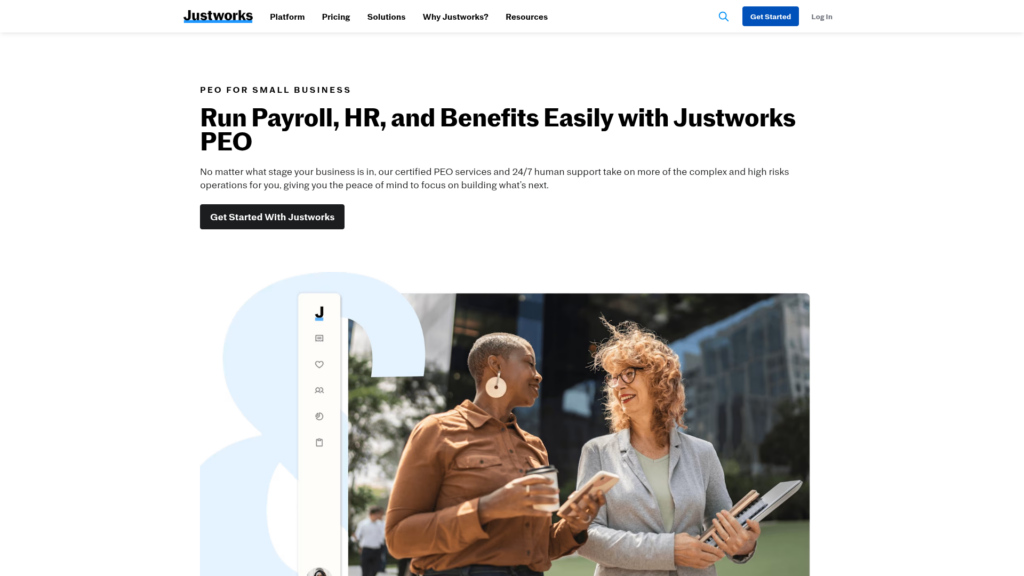
Justworks is a PEO for very small businesses that want to compare costs without waiting for a sales quote. Its published per-employee fees cover payroll and HR administration, while medical coverage has separate eligibility requirements.
Why I chose Justworks: I ranked Justworks first because it combines broad PEO support with clear pricing and an accessible two-person minimum for payroll enrollment.
Payroll and tax administration
Justworks Basic and Plus plans include payroll administration, payroll tax filings, and W-2 and 1099 filing. Payroll enrollment starts at two people, and one can be an unpaid owner, which can make Justworks accessible to very small businesses. Its enrollment FAQ also says a full- or part-time W-2 employee can meet the employee part of that requirement.
That two-person minimum applies to payroll enrollment only. Benefits eligibility and underwriting are separate, and contractor-heavy or higher-risk manual-labor businesses may not qualify.
Benefits and workers’ compensation
Justworks Plus adds access to medical, dental, and vision administration, while Basic is the lower-priced PEO tier. Medical eligibility depends on more than headcount. In general, you need at least two active benefits-eligible workers from different households, and carrier or state participation rules can affect enrollment and renewal.
Justworks also generally requires its workers’ compensation setup, subject to state-specific rules and limited exceptions. If keeping your existing workers’ comp policy is essential, check whether an exception is possible.
HR consulting, support, and plan gates
Standard HR Consulting is included with Justworks PEO and is available through its support or customer success channels. Public documentation says PEO support is available 24/7. HR Consulting can help with policies and employee questions, while the platform also supports onboarding, PTO, documents, and payroll reporting.
Just know that the consulting service doesn’t make employment decisions, run investigations, recruit, or manage employees for you. Basic also excludes custom reporting and recruiting or performance integrations, while Time Tracking and dedicated consulting cost extra. Justworks’ published terms identify Justworks Employment Group LLC as the PEO; check that name against your agreement.
Pricing
- PEO fee: Basic is $79 and Plus is $124 per employee/month, both with no base fee. Insurance, workers’ comp, state charges, and add-ons may cost extra.
Key Features
- Payroll tax, W-2, and 1099 administration
- Standard HR Consulting with PEO plans
- Medical benefit access through Plus
- 24/7 PEO customer support
Pros
- Standard HR guidance and round-the-clock support
- Low documented payroll enrollment threshold
Cons
- Medical eligibility has a higher threshold than payroll enrollment
- Time Tracking and dedicated HR consulting require paid add-ons
Pricing
$79/employee/month Trial: No Free Plan: No
-
TriNet PEO — Best for businesses that value industry-specific HR and benefits support
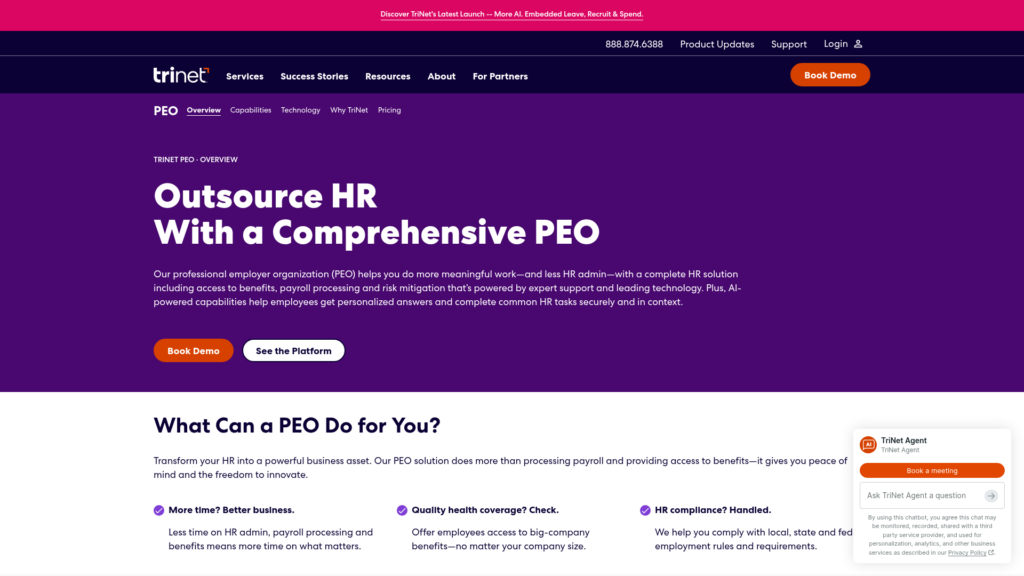
TriNet offers PEO services for small and midsize businesses that need specialized HR guidance alongside payroll and benefits. It may appeal to employers facing industry-specific workforce and benefits questions.
Why I chose TriNet PEO: TriNet PEO stood out to me because it offers industry-specialized HR support with an assigned professional and relationship manager.
Payroll, tax, and employee self-service
TriNet processes payroll and supports tax filings and compliance for payroll run through its platform.
Employees can use the platform for pay information, electronic W-2s, and time-off requests, which helps an owner avoid routing routine pay questions through a shared inbox. Its PEO capabilities page also describes payroll, benefits, risk, and compliance as part of one PEO relationship.
One access detail to check is what happens after termination. Former employees can’t use the mobile app, so confirm how they’ll access final pay information, W-2s, and other records.
Benefits and risk support
TriNet offers a curated selection of medical plans, along with life and disability coverage, voluntary benefits, enrollment support, COBRA and ACA support, workers’ compensation claims help, and risk services. That narrower benefits menu can be easier for a small HR team to manage, while TriNet’s industry-specific guidance may also help businesses with different workforce needs.
The tradeoff is choice. If the available carrier or network doesn’t fit your employees, TriNet may not be the right match. Its support FAQ also gives newly eligible employees 30 calendar days to elect benefits, with costs applying from the eligibility date, so make that deadline part of your onboarding process.
HR expertise, integrations, and agreements
TriNet’s public model includes an assigned professional, specialists, a relationship manager, and 24/7 live chat for logged-in PEO users. Its PEO technology page describes reports, mobile access, select prebuilt integrations, and APIs. That’s useful when you want HR input alongside an employee platform.
Available integrations don’t guarantee every connector or a two-way sync. Chat also requires users to log in. The IRS roster cited in this guide names TriNet HR III-B, Inc.; confirm the entity on your agreement.
Pricing
- Contact vendor for custom quote. Flat per-employee-per-month administrative fee required. Benefits, taxes, workers’ comp, and add-ons are separate costs.
Key Features
- Industry-specialized HR and relationship support
- Payroll tax administration and employee self-service
- Curated benefit administration and risk services
- Select integrations and APIs
Pros
- Service model includes HR specialists and a manager
- Strong fit for industry-specific people questions
Cons
- Curated medical plans can limit carrier and network choice
- Terminated employees lose access to the mobile app
Pricing
Custom quote Trial: No Free Plan: No
-
Paychex PEO — Best for SMBs wanting broad, configurable payroll and HR services
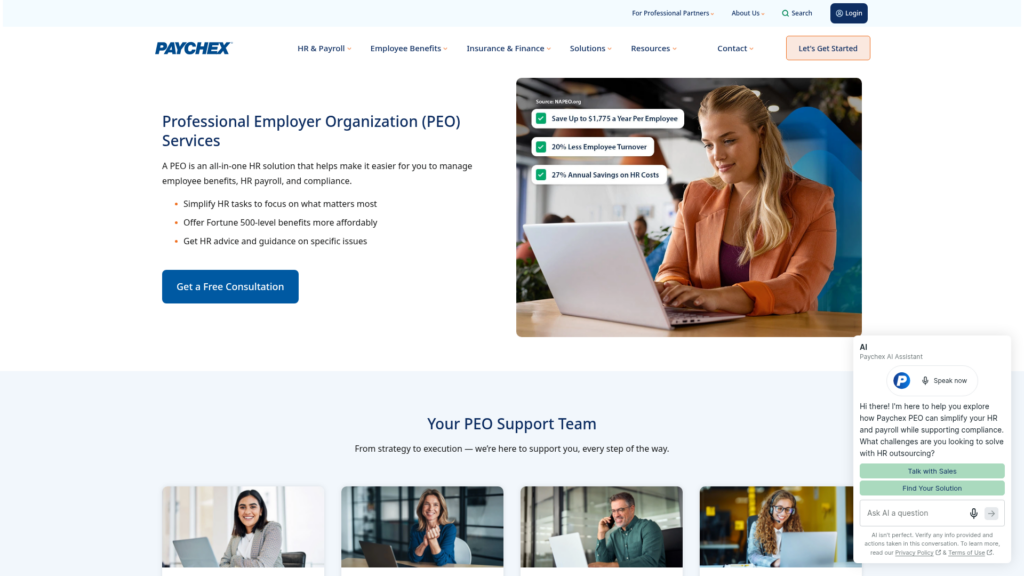
Paychex PEO suits growing small businesses that want payroll and benefits administration backed by HR and workplace safety specialists. Its range of services can be tailored to the employer, so the exact support included depends on the agreement.
Why I chose Paychex PEO: I chose Paychex PEO for its flexible service model, with dedicated support across payroll, HR, client service, and workplace safety.
Payroll processing and tax transition
Paychex’s PEO service covers payroll processing, tax filings, and PEO payroll tax filing under its EIN. Its small business page targets growing teams of five or more, which is a useful starting point, but not guaranteed acceptance.
For midyear transitions, prior wages may only be recognized if you request it and provide the required records. The terms may also allow the PEO to keep later refunds. Confirm how both are handled in writing before comparing first-year costs.
Benefits, workers’ compensation, and HR guidance
Paychex says its PEO can give small businesses access to a larger benefits pool, along with HR guidance, workplace safety support, workers’ compensation administration, claims help, and reporting. Its client advocate and HR business partner model can also give owners a clearer go-to contact when HR or policy questions come up.
Platform, support, and service agreement
Employees can use Paychex Flex or Paychex Oasis for tasks like viewing their pay documents, managing direct deposit, and updating profile information. Paychex Flex also has an integration marketplace for accounting and workforce tools.
But don’t assume every marketplace integration comes with the PEO service. Paychex may also direct employees back to their employer for certain support questions, so confirm how employee support and escalations work. The IRS roster cited in this guide names Paychex PEO VI LLC and VII LLC; check which entity will sign your agreement.
Pricing
- Contact vendor for custom quote.
Key Features
- Payroll and PEO tax administration
- Client advocate and HR business partner model
- Workers’ comp administration and claims support
- Flex or Oasis employee self-service
Pros
- Strong service menu for growing SMBs
- Multiple specialist roles around the client
Cons
- Safety support depends on the workers’ comp policy
- Not all integrations are included with the PEO
Pricing
Custom quote Trial: No Free Plan: No
-
ADP TotalSource — Best for businesses scaling across states and needing mature payroll infrastructure
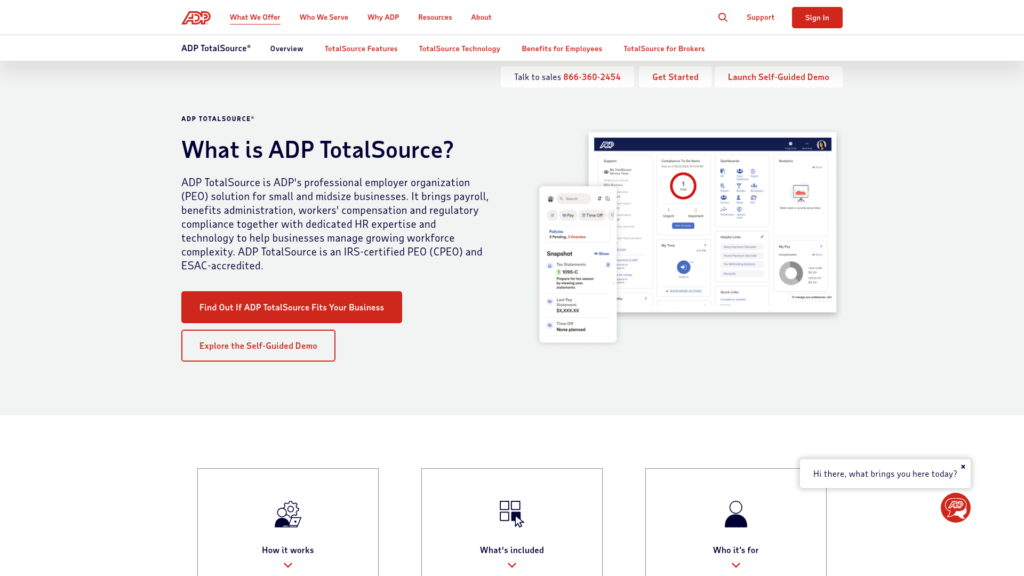
ADP TotalSource® is a PEO for growing businesses managing payroll, HR, and benefits across multiple states. ADP targets employers with five to 1,000+ employees, making it relevant to both smaller teams and larger operations.
Why I chose ADP TotalSource: I included ADP TotalSource for its strong multistate payroll, specialist depth, reporting, and marketplace scale.
Multistate payroll and shared compliance work
ADP TotalSource supports payroll and tax administration in one state or across all 50, with access to specialist support. Its platform also connects payroll with HR, benefits, compliance, time tracking, reporting, onboarding, and talent tools, which can suit small businesses expanding into new states or locations.
You still run payroll and own day-to-day implementation. TotalSource might not be the best fit if you expect the PEO to make operating decisions or remove the need for a payroll owner.
Benefits, risk, and HR partnership
TotalSource offers medical, dental, vision, 401(k), EAP, and other benefit options, along with workers’ compensation coverage, claims support, safety resources, risk services, and a dedicated HR business partner. Its benefits administration can also take some of the work out of managing enrollment and employee questions as your workforce grows.
ADP notes that some services may not be available in every state.
Reporting, integrations, and support diligence
TotalSource includes employee self-service, 300+ standard reports, custom reporting, and access to 300+ marketplace integrations. For any integration you plan to use, confirm compatibility, fees, and whether data moves one way or both ways. A large marketplace doesn’t mean every app is included in your agreement.
Public pages also don’t clearly spell out client-admin support hours, escalation timelines, or the offboarding process. If those details matter to you, get them in writing before signing. Match the PEO’s legal entity to the one named in your agreement and the IRS roster.
Pricing
- Contact vendor for custom quote. Workforce, location, compliance complexity, and workers’ comp exposure affect the quote.
Key Features
- Multistate payroll and tax support
- Dedicated HR business partner and specialists
- Benefits, risk, and workers’ comp administration
- 300+ standard reports and marketplace integrations
Pros
- Built for more complex multistate operations
- Deep reporting and specialist support model
Cons
- Certain services aren’t available in every state
- Support hours and escalation terms aren’t public
Pricing
Custom quote Trial: No Free Plan: No
-

Rippling — Best for technology-forward companies prioritizing automation and a unified HR stack
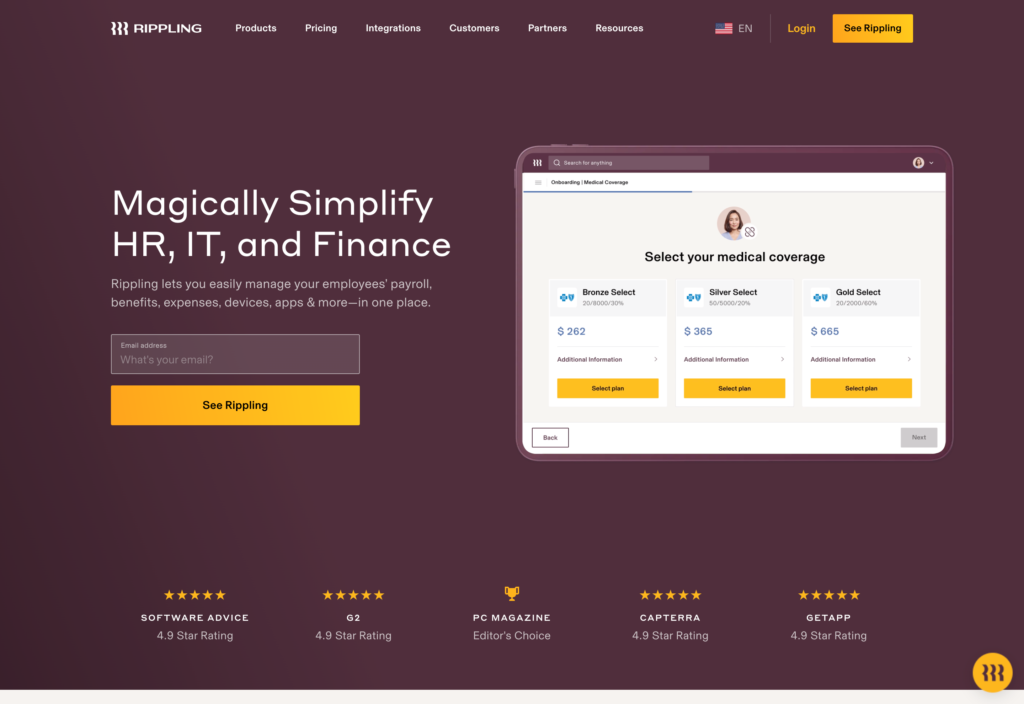
Rippling PEO packages services with a wider HR, IT, and finance platform for teams that want connected employee data and automation.
Why I chose Rippling PEO: I included Rippling for its connected HR, IT, and finance workflows and the option to keep using the platform after leaving the PEO. That makes it attractive to businesses investing in a longer-term system, though the required core platform adds cost and complexity.
Payroll, benefits, and compliance workflows
Rippling’s PEO includes payroll, benefits enrollment, HR and compliance guidance, workers’ compensation, and employment practices liability insurance (EPLI). Its U.S. PEO guide also covers tax administration and nationwide availability.
Public pages don’t show every carrier, contribution rule, coverage limit, or module requirement. Ask for a clear breakdown of what Rippling handles, what your managers still own, and how payroll taxes, HR support, and insurance responsibilities are divided.
Automation, analytics, and platform continuity
Rippling supports custom workflows, permissions, reporting, onboarding, and 600+ platform integrations, so employee changes can flow into connected HR, IT, and finance processes. It also lets customers leave the PEO while continuing to use the Rippling platform, which can make a future change in HR model less disruptive.
Pricing includes the core platform plus any products you add, with base and per-employee fees. Before treating the PEO as easy to switch on or off, confirm the modules, integrations, implementation costs, and pricing that would apply after you leave the PEO.
Support, contracting, and credential check
Rippling shares overall support response metrics, but its public pages also don’t clearly explain PEO-specific support hours, escalation steps, or service guarantees. That doesn’t mean support is weak, but you should ask who handles an urgent payroll issue and what happens if first-line support can’t resolve it.
I also couldn’t confirm a Rippling-named entity on the IRS CPEO roster, so ask for the legal name and EIN of the company you’d actually contract with. Get the current PEO exit terms in writing too, including renewal, termination, data retention, and what you’ll pay if you keep using Rippling after leaving the PEO.
Pricing
- Contact vendor for custom quote. Required platform and selected modules can add to the PEO cost.
Key Features
- Unified HR, IT, and finance data model
- Automated workflows and configurable reporting
- Platform-wide integration ecosystem
- PEO-to-standalone system continuity
Pros
- Strong automation story for complex workflows
- Broad platform integrations and permissions
Cons
- Core platform adds purchase complexity
- Employee support starts with the employer
Pricing
Contact vendor for custom quote Trial: No Free Plan: No
-

Insperity PEO — Best for businesses wanting a more service-heavy HR relationship
Insperity HR 360 is a full-service PEO for small and midsize businesses that want help with people management as well as payroll and benefits. Its service model suits owners who prefer access to HR specialists instead of relying mainly on self-service tools.
Why I chose Insperity: I chose Insperity because of its client service team and HR specialists, which can give small businesses more support than a self-service platform alone.
Payroll administration and service-team support
Insperity’s payroll materials cover payroll administration, mobile employee access, and support with areas like employment administration, training, performance, and handbooks. Its quote also includes payroll tax allocations. Just confirm filing, remittance, and jurisdictional responsibilities in the client service agreement.
Public support pages don’t spell out a clear escalation path or response time guarantee. Portal access also isn’t the same as 24/7 human support. If you want a lighter, more self-service model, compare simpler options.
Benefits, risk, and compliance guidance
Insperity says HR360 sponsors and administers its benefit plans. Its compliance support also covers policies, employment-law updates, workers’ compensation, claims, and employer-liability issues, giving small-business owners a team to turn to when HR problems come up.
Some services vary by setup and may require extra fees or paperwork. Confirm carriers, eligibility, state availability, coverage limits, third-party administrators, and where HR guidance ends and legal representation begins.
Technology, quote design, and agreement terms
HR360 uses Insperity Premier for employee and HR workflows, while Insperity says HR Scale pairs its PEO with Workday for more complex needs. Keeping those products separate matters because Workday functionality isn’t proof that the standard HR360 package includes the same technology or integrations.
Insperity’s pricing combines direct cost allocations with a fixed per-employee HR fee. It doesn’t publicly state a universal minimum, full integration list, termination notice, or renewal terms, so confirm those details in the client service agreement. Also match the rostered PEO entity to the legal name in that agreement.
Pricing
- Contact vendor for custom quote with direct cost allocations plus a customized fixed-dollar-per-employee HR service charge.
Key Features
- Client service team and HR specialist access
- Payroll administration and employee portal
- Benefits, risk, and compliance support
- Fixed-dollar HR service charge model
Pros
- Service-heavy HR relationship for SMBs
- Strong employee relations and policy focus
Cons
- Some services cost extra or require paperwork
- Workday technology is limited to HR Scale
Pricing
Custom quote Trial: No Free Plan: No
-

CoAd — Best for small businesses wanting hands-on HR support
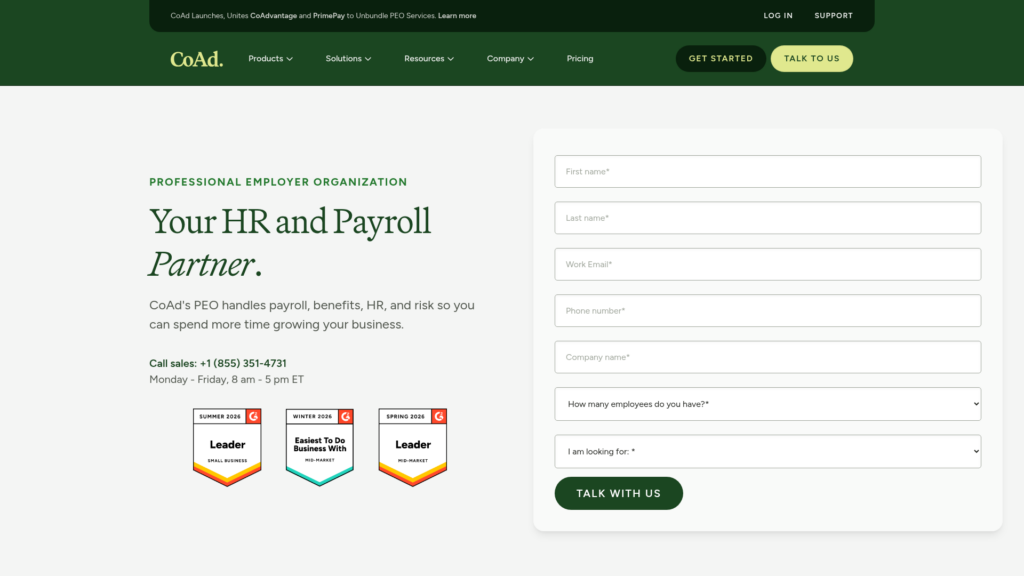
CoAd (formerly CoAdvantage) is a PEO for small businesses that want a personal HR contact alongside payroll, benefits, and other employer services. It offers consultative onboarding and access to a named HR advisor, which can be especially useful for owners managing HR without a dedicated team.
Why I chose CoAd: I included CoAd for its relationship-focused service model and flexible PEO packages. Businesses can get support across payroll, HR, benefits, and workers’ compensation, but the exact combination varies. That makes it important to check what’s included in your quote.
Payroll, tax, and consultative onboarding
CoAd’s PEO includes unlimited payroll runs, tax filing, direct deposit, garnishments, new-hire reporting, and year-end forms. Their consultative onboarding and a named contact can also help a small business set up a repeatable payroll process.
CoAd doesn’t publish a universal PEO minimum. The IRS roster lists CoAdvantage Resources 85, LLC, so confirm that this is the entity on your agreement and that your workforce qualifies before switching.
Benefits, risk, and service scope
CoAd’s PEO can include large-group health plans, retirement, dental, vision, enrollment administration, and benefits reporting. It also offers workers’ compensation, EPLI, safety support, injury reporting, and return-to-work help, which can appeal to small businesses that want broader HR and risk support rather than payroll alone.
But the exact package can vary. A 2026 announcement notes that some PEO arrangements may exclude health benefits, workers’ comp, or HR administration. Get a line-by-line breakdown so you know which responsibilities stay with your team before you sign.
Technology, support access, and exit diligence
CoAd Quantum and CoAd Enroll cover payroll, time, HR, benefits, reporting, and employee enrollment tasks. Public PEO support includes direct phone and email channels. This makes CoAd a good fit for small businesses that want both an employee platform and a clear person to contact for help.
Pricing
- Contact vendor for custom quote. Published payroll plan prices aren’t PEO prices.
Key Features
- Named advisor or co-employer model
- Consultative PEO onboarding
- Payroll, tax, benefits, and risk workflows
- Direct PEO phone and email support
Pros
- Relationship-focused service and onboarding
- Flexible PEO component selection
Cons
- Benefits, workers’ comp, or HR excluded in some PEO packages
- Exit and renewal terms aren’t publicly detailed
Pricing
Custom quote Trial: No Free Plan: No
Compare the Best PEOs
| Topic |
|
|
|
|
|
|
|
|---|---|---|---|---|---|---|---|
| Reviews |
  |
 |
|
|
|
|
|
| Pricing |
$79/employee/month
|
Custom quote
|
Custom quote
|
Custom quote
|
Contact vendor for custom quote
|
Custom quote
|
Custom quote
|
| Free Trial |
no
|
no
|
no
|
no
|
no
|
no
|
no
|
| Free Plan |
no
|
no
|
no
|
no
|
no
|
no
|
no
|
| Use cases |
Best for smaller businesses wanting straightforward PEO purchasing and published pricing
|
Best for businesses that value industry-specific HR and benefits support
|
Best for SMBs wanting broad, configurable payroll and HR services
|
Best for businesses scaling across states and needing mature payroll infrastructure
|
Best for technology-forward companies prioritizing automation and a unified HR stack
|
Best for businesses wanting a more service-heavy HR relationship
|
Best for small businesses wanting hands-on HR support
|
| Available on |
How to Choose a PEO for a Small Business
Use these questions to compare your real operations before choosing a PEO.
Team size and growth
- Does the provider accept your current headcount, employee classes, industry, and work risk, not just the size you expect next year?
- Will medical plan eligibility work for your household mix, hours worked, benefit census, and state?
- Can the service support your planned locations and employee growth without changing your core processes?
Service model and workforce needs
- Do you need a named HR advisor, specialist queue, or mostly self-service tools?
- Which payroll decisions, employee questions, and compliance tasks stay with your managers?
- Does the workers’ comp model fit your class codes, claims history, state rules, and safety needs?
Technology and commercial fit
- Which employee portal, reports, integrations, exports, and approval workflows are included in the actual PEO package?
- Can you see all fees, benefit contributions, workers’ comp, implementation work, and exit obligations before signing?
Questions to Ask Before Signing
Take this checklist into the demo, pricing call, and contract review so you can compare providers on the details that actually affect your business.
- Using the same census and service scope, what is the all-in monthly cost, including admin fees, premiums, employer contributions, taxes, workers’ comp, state charges, and add-ons?
- Which charges can change at renewal, after a wage-base threshold, or as headcount shifts?
- Which medical carriers and plans are available to my census, and what participation or eligibility rules apply now and at renewal?
- How much notice will I get of renewal increases, carrier changes, or benefit-plan replacements?
- What is the implementation timeline, who owns data migration, and how will the first payroll and benefits start dates be tested?
- Who owns payroll cutoffs, tax transitions, off-cycle payroll, payroll errors, and employee escalation?
- Who is the escalation contact for a missed payroll or benefits error, and what response and resolution commitments apply?
- What workers’ comp policy, class codes, deductibles, exclusions, and safety services are part of this quote?
- Which integrations are included, what data moves in each direction, who implements them, and what export will I receive if I leave?
- What are the initial term, renewal date, non-renewal notice, early-exit fee, final payroll process, benefits run-out, record access, and data-retention terms?
- When we leave, who handles final tax filings, replacement benefits, COBRA notices, and any unfinished claims?
- Which legal entity will sign the agreement, and will the contract identify its EIN and applicable CPEO status?
This Might Interest You
Need help planning the switch? Use our PEO Implementation Guide to map responsibilities, prepare your data, and avoid common handoff problems before launch.
Connecteam Complements a PEO for Shift-Based Teams
A PEO agreement doesn’t automatically cover publishing shifts or coordinating daily work. Connecteam can complement it with employee scheduling, time tracking and reviewed timesheets, PTO requests, and direct or group chat. Before relying on the handoff, confirm how your chosen PEO accepts payroll data by testing the integration or export process with a sample file.
FAQs
It depends on the provider and the service. Justworks documents two individuals for payroll enrollment, Paychex targets teams of five or more, and ADP TotalSource states a target range starting at five. Other providers in this guide don’t publish a universal minimum, and medical benefits can have stricter requirements than payroll enrollment.
No. IRS certification is voluntary, not a blanket measure of service quality. If CPEO treatment matters to your tax or diligence process, verify the exact contracting entity and EIN on the IRS list and in your agreement rather than assuming a brand-wide status.
Not fully. A PEO can administer services and provide guidance, but managers still make day-to-day employment decisions and need to run their own people processes. Confirm the boundaries for investigations, policy decisions, legal questions, employee relations, and payroll approvals.
It can, but “multistate” doesn’t guarantee every service, carrier, or workers’ comp setup is available everywhere. Give the provider your full state list, work locations, class codes, and benefits census, then get any state-specific exceptions in writing.
The Bottom Line on PEO Companies for Small Businesses
The best PEO for a small business is the one whose eligibility rules, benefit options, workers’ comp approach, service model, technology, and exit terms fit your actual workforce. Start with the provider lane that matches your main need, then use a line-item quote and the signed agreement to test the claims that matter most.
For shift-based teams, Connecteam can add the operational layer around scheduling, approved time, PTO, and team communication while your PEO handles its agreed HR and payroll services.
