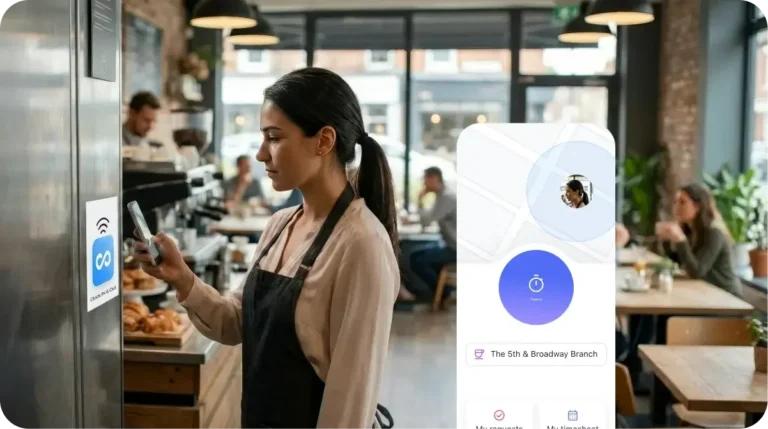
Connecteam NFC lets employees simply tap their phone on site to confirm their presence and prevent buddy punching. Every verified shift syncs instantly to smart timesheets and payroll.
Trusted by Over 80,000 Companies Worldwide
































What is Connecteam NFC?

Why Businesses Trust Connecteam’s NFC Solution
No Hardware Maintenance
Just stick an NFC tag—no need for expensive biometric scanners or physical punch clocks.

Reduce Time Theft and Errors
Unlike GPS, NFC confirms presence at the exact location, ensuring accurate payroll and effortless compliance

Ensure Real-Time Visibility
Every tap feeds directly into your live timesheets, giving managers instant insight into who’s working, where, and when, with zero delays.

Faster Onboarding
No app navigation or training required. New hires can start clocking in with a simple tap from day one.

Minimal Admin Overhead
Set it and forget it—NFC tags last for years and require no upkeep.

One Tap. Every Tool Working for You.
One Tap. Every Tool Working for You.
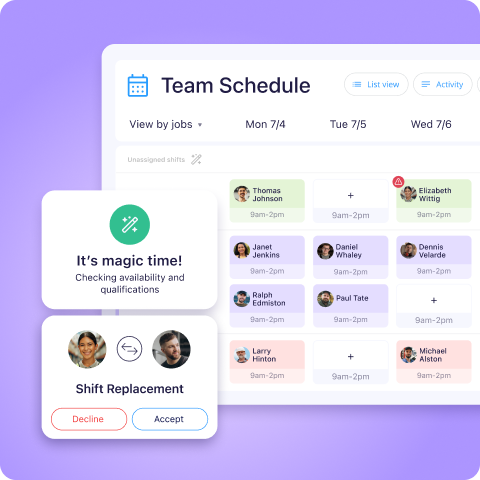
Schedule your team in minutes
Assign shifts, attach job details, and know exactly who’s expected on site – before they even tap in.
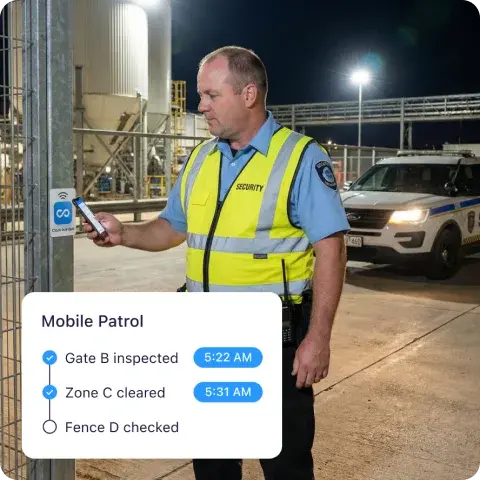
Track time with precision
Every NFC tap verifies the right person, at the right place, at the right time.
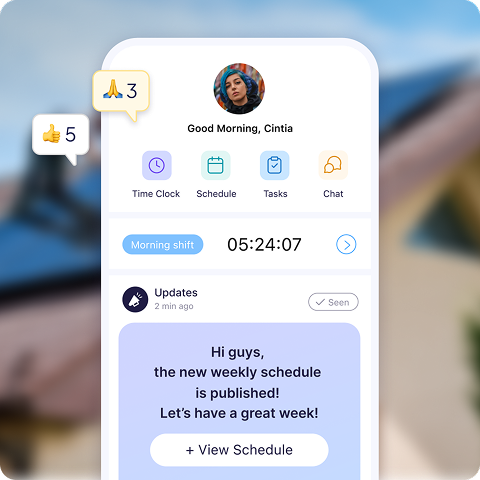
Keep everyone in sync
Instant updates, real-time notifications, and shift changes sent straight to employees’ phones.
Timesheets that fill themselves
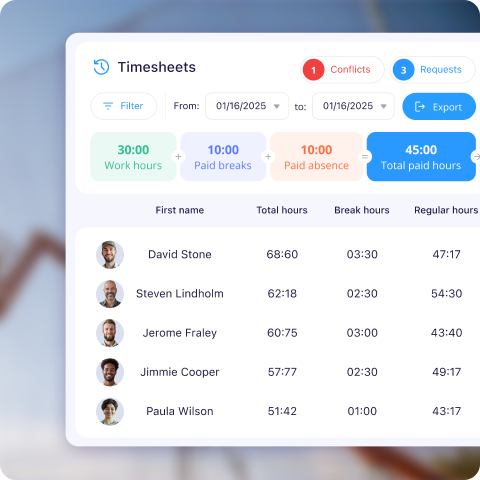
Clock-ins flow automatically into smart timesheets with built-in break rules and overtime calculations.
One-click payroll export
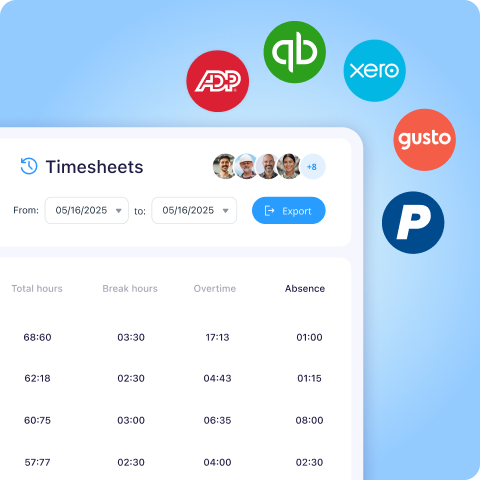
Accurate, payroll-ready hours exported directly to ADP, Quickbooks Xero, MYOB, and more – no manual fixes.
Loved by 1.8M+ Managers & Employees Worldwide

About the Connecteam NFC
After you register as a Connecteam user, you can order official NFC tags directly from the Connecteam Amazon store. They’re available in different quantities depending on your needs, and it’s a simple one-time purchase — there’s no recurring fee per tag.
QR codes can be photographed and shared. NFC requires the phone to be physically within 1–4 cm of the tag to work. That means employees must be on-site to tap and clock in – it cannot be replicated with a picture.
No. The phone must physically touch the tag to clock in. Remote check-ins aren’t possible.
Android: No – just tap.
iPhone: Tapping automatically opens the Connecteam time clock screen.
It’s a small sticker or card – similar to tap-to-pay terminals you see in stores.
Yes. Tags can be placed outdoors, including construction sites. If there’s no signal, the data syncs automatically once the device reconnects.
Yes. You can easily reassign tags in the system or peel and move them between job sites.
Every tap syncs instantly to your Connecteam dashboard. You can export data via CSV/Excel or send it directly to payroll integrations.
Yes – each employee taps using their own device. If that’s not possible, you can use Kiosk Mode on a shared tablet.
Connecteam is free for up to 10 users, including NFC time tracking.
NFC is best for fixed locations where you want verified physical presence. Geofencing is ideal for mobile teams working across changing job sites. Many businesses use both together.