Employee time clock app

Track precise hours, without losing time or money

Prevent time theft with location-verified tracking, stay in control of attendance in real time, and automate payroll-ready timesheets, all in one place

  • No credit card needed | Best ease of use
  • GDPR Aligned
  • ISO 27001
  • SOC 2 Certified

No credit card needed No credit card needed

Connecteam employee time tracking system with mobile clock-in, NFC time clock, digital timesheets, and payroll integrations.

Trusted by Over 80,000 Companies Worldwide

YMCA Logo
Wendy's logo
Volvo Logo
SubWay Logo
Sodastream Logo
Soccer Shots Logo
Right at Home Logo
Saint Gobain Logo
Orangetheory Logo
logo nirvana company
Massage Envy logo
Iqvia Logo
ihop logo
i9 Sports Logo
Holiday Inn Logo
Hilton Logo
Gold's Gym Logo
FireHouse Subs logo
f45 Logo
European Wax Center Logo
Edible Logo
Dogtopia Logo
Chipotle Logo
Caremark Logo
Burger King Logo
Bright Star Care Logo
Biggby Coffee Logo
Best Western Logo
Anytime Fitness Logo
ACE Logo
Hertz Logo
HAP Logo

Learn about our Employee Time Clock in 2 minutes

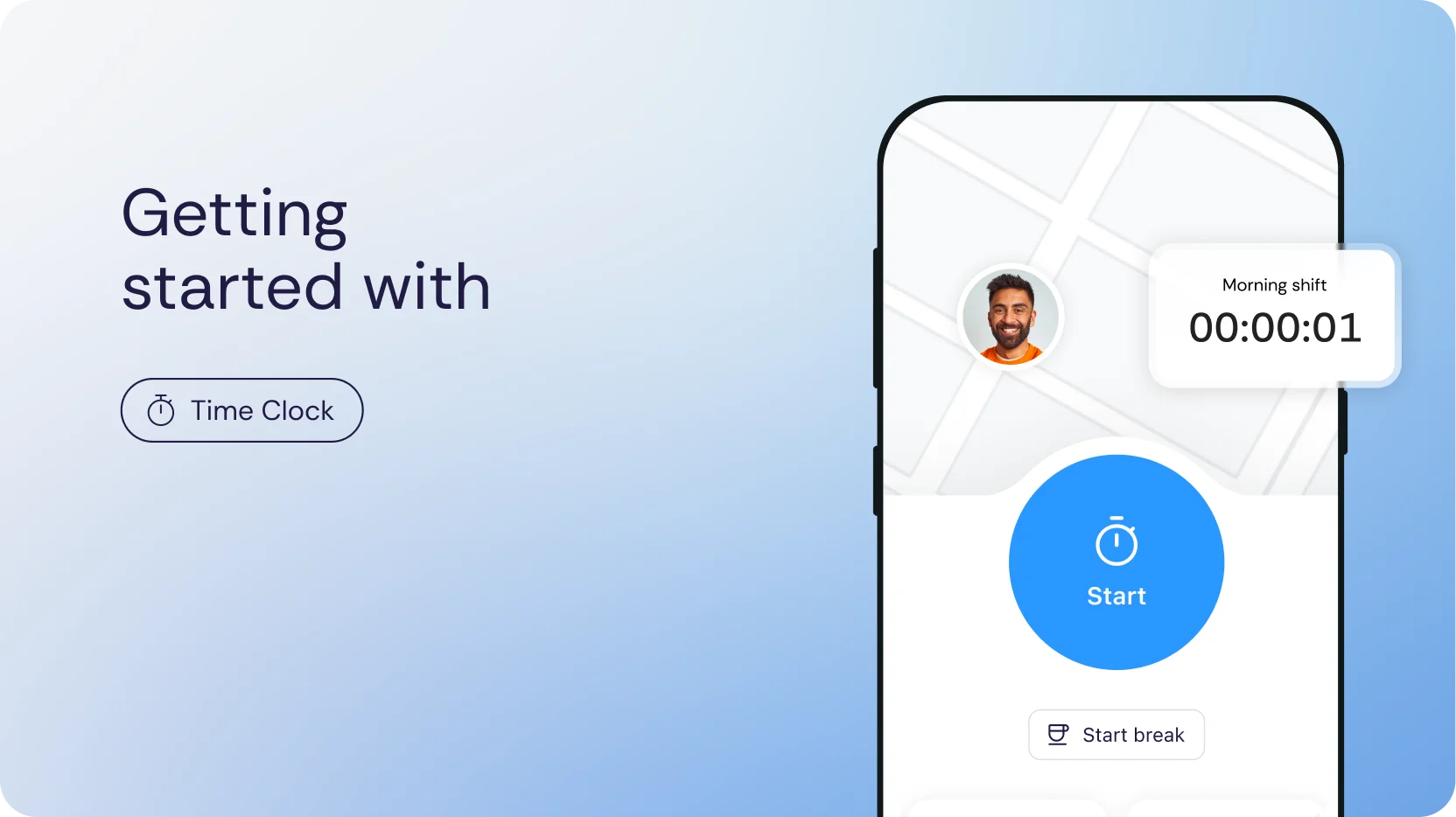
Connecteam's Time clock app interface

One smooth flow from clock-in to payday

  1. Track Icon

    Track

    Let employees clock in/out only when actually on site

    Let employees clock in/out only when actually on site

  2. Control Icon

    Control

    See who’s working, where, and when in real time

    See who’s working, where, and when in real-time

  3. Approve Icon

    Approve

    Have employees confirm their timesheets, then approve

    Have employees confirm their timesheets, then approve

  4. Pay Icon

    Pay

    Sync hours straight to payroll with no manual entry or errors

    Sync hours straight to payroll with no manual entry or errors

Clock precise hours your way

  • Have your team clock in and out simply by tapping their phone to an NFC tag
  • Verify employees are at the exact spot, not just nearby
  • Employees forgot to clock out? GPS does it automatically when they leave the site
  • All hours automatically flow onto smart timesheets, no manual entry
Start your free trial
  • Have your team clock in and out right from their phone, wherever work happens
  • Geofence work areas to avoid early off-site clock-ins and missed clock-outs
  • Track on-the-go teams with live GPS breadcrumbs while they’re on the clock
  • All hours automatically flow onto smart timesheets, no manual entry
Start your free trial
  • Have your team clock in and out from a shared tablet at the workplace
  • Prevent buddy punching with PIN codes or selfie verification
  • Perfect for retail, hospitality, warehouses, and other on-site teams
  • All hours automatically flow onto smart timesheets, no manual entry
Start your free trial
  • Seamlessly integrate your existing time clock or POS hardware
  • Keep the equipment and routines your team already knows
  • All hours automatically flow onto smart timesheets, no manual entry
  • Eliminate manual exports and payroll mistakes
Start your free trial

Full visibility and control at all times

  • See who’s currently clocked in and get alerts for late arrivals or no-shows
  • Location-verified clock-ins and GPS tracking confirm employees are where they should be
  • Automatically clock employees out with GPS when they leave the site
  • Manage labor costs with a live view of hours and overtime across jobs, projects, and locations
Start your free trial

Smart timesheets that do the work for you

  • Automatically turn clocked hours into organized timesheets, ready to review
  • Catch errors early with alerts for missed breaks and overtime limits
  • Auto-calculate breaks, overtime, and PTO based on your pay rules
  • Have time off, sick days, and other absences reflected in each employee’s timesheet
Start your free trial

Clean payroll, zero manual effort

  • Sync hours with your preferred payroll provider or export in PDF or XLS
  • Keep audit-ready records with full edit history and timestamps
  • Track time by project, job, client, or equipment to simplify billing and invoicing
  • Let employees confirm their hours and view payslips in the app, ensuring transparency and fewer disputes
Start your free trial

More reasons to love our time clock app

Win back your time

Cut payroll prep from 6 hrs to 15 mins with smart timesheets and payroll integrations

Optimize labor costs

Protect your bottom line from time theft, buddy punching, and overtime surprises

Real-time control

Keep work running smoothly with a live view of who’s working, where, and who’s late

Operations in one place

Replace scattered tools with scheduling, communication, and more in one app

Simple for everyone

Get up and running in minutes, no training required

Connecteam Trust Badges

Where 1.8M+ managers and employees get work done, every day.

Collection of Connecteam review and award badges featuring Capterra Best Ease of Use 2026, Capterra Shortlist 2026, Software Advice Front Runners 2026, and Trustpilot Rated Excellent recognition.
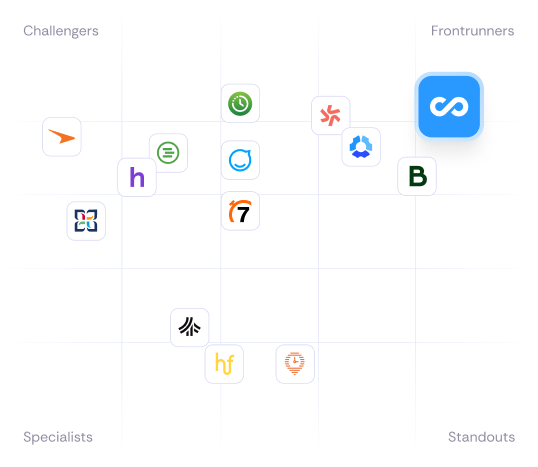
Connecteam vs competitors comparison chart

Our clients say it best

nae logo

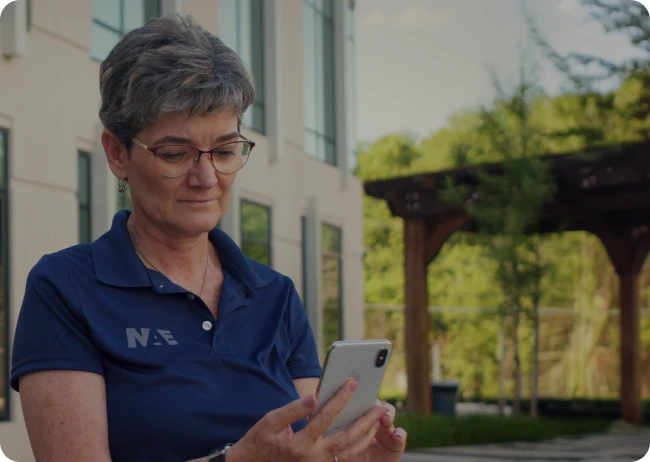
“Connecteam made our time tracking and scheduling far more reliable, and saves us about $30,000 a year in payroll costs.”

Jason Bhen  President
NAE Cleaning Solutions
F45 logo

“Before, we tracked hours in Excel which was hard to manage. Now scheduling and clocking in are organized in one simple system.”

Lorraine Pattel

Owner

Fantastica logo

“We run events in different locations, and NFC makes it effortless. Staff just tap to clock in and out, and timesheets are generated automatically.”

Paulina Zapata

Owner

Hempie's logo

“I’m able to save at least half a day on payroll operations. The integration with ADP is seamless. It’s literally the click of a button.”

Shamil Jackson

HR Director

Everything to manage your team in one app

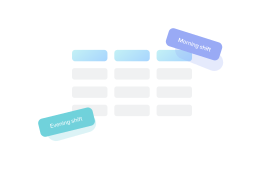
Connecteam employee scheduling board displaying morning and evening shift assignments.

Employee Scheduling

Create, share, and edit optimal schedules with just a few clicks

Forms

Digitize paperwork and collect live insights from the job

Connecteam team chat icon representing employee messaging and workplace communication.

Chat

Keep your team connected wherever work happens

Connecteam integrations icon featuring payroll, accounting, and business software platform connections.

Payroll Intergations

Sync with leading payroll providers to simplify pay runs

Small business?
Get it all for free.

We love seeing small businesses grow.
Enjoy full access to all our premium features, 100% free for up to 10 users!

small-business-image-1

Managing a larger team?

Get started from just $29/month. A product expert will help you find your perfect fit.

Frequently Asked Questions

A time clock app, also known as a time tracker, is a digital solution for employees to clock in and out of their shifts.

Time clock software also allows admins to manage schedules and edit and export timesheets, making payroll a breeze.

An effective time clock app notifies managers when employees are late to shifts, can track where and when an employee clocks in, and enables communication by including notes and tasks related to the shift itself.

Yes. Everyone gets a 14-day free trial to use all of Connecteam’s Time Clock features. After the trial ends, you can opt for the free-for-life plan or subscribe to a premium plan to continue using all of the Time Clock features Connecteam offers.

Connecteam streamlines all aspects of employee shifts and the payroll process.


Using Connecteam’s Time Clock app, admins can:

  • Easily schedule employees using recurring shifts
  • Ensure employees are only clocking in from the job site to eliminate time theft using our Breadcrumbs feature
  • Track employee location while clocked in to prevent buddy punching
  • Manage overtime with customizations such as daily time limits, auto-clock out, and overtime pay rates
  • Export timesheets for easy and error-free payroll processing
  • Communicate with your employees directly
  • Create shift attachments like tasks, location of worksite, notes, and more
  • Keep easy to find records, as required by law, of all employee timesheets

Through an employee’s mobile phone, they can:

  • Clock in and out
  • Request time off
  • View their weekly/monthly schedules
  • Trade shifts with admin permission
  • Document relevant information regarding their shift such as mileage driven, equipment used, or project progress

Yes. You can even set up automatic reminders for them to do so before every payroll period.

Yes. You can set up your account so every hour is allocated towards a specific job, which can be a client or project. Connecteam will automatically produce reports of hours worked for each job, so all that’s left for you to do is sit back and relax.

Yes! Connecteam gives you several options to receive alerts. Whether you want to be alerted in real-time once someone is late for work so you can immediately get in touch or prefer to get an automatic daily report emailed to you – Connecteam can fit your needs.

*Pro Tip: Switch on daily reminders so your users never forget to clock in!

Connecteam makes it easy for you to track your users’ total hours, overtime, or double time, with each type conveniently displayed in separate columns in their timesheets, giving you a clear and straightforward understanding of your upcoming expenses.

*Pro Tip: Use the timesheets to keep track of paid and non-paid time off.

Yes! With Connecteam’s Time Clock, you can set up time tracking per job, project, or client according to your specific business needs. No matter the circumstance, we got you covered.

*Pro Tip: You even have the option to utilize multiple Time Clocks and assign them to different teams, departments or locations. You decide!

Connecteam is available on the Google Play Store and the Apple Store and is compatible with all Android and iOS devices.

*Pro Tip: You can even install the Connecteam Kiosk app to your tablet and create a kiosk station for everyone to clock in from. No need for a personal device.

Employee time off requests, balances, and policy management are all part of the Time Off product (included in the HR Hub).