


Plus all the managerial abilities required to keep team messaging
information secure and stay in control.
Teams Thrive on Communication
Connecteam is an all in one app for teams to communicate, connect and stay informed wherever they are.

Join the 36,000+ Teams Communicating via Connecteam
































Everything you need in one place
Have all the chatfeatures you’dexpect

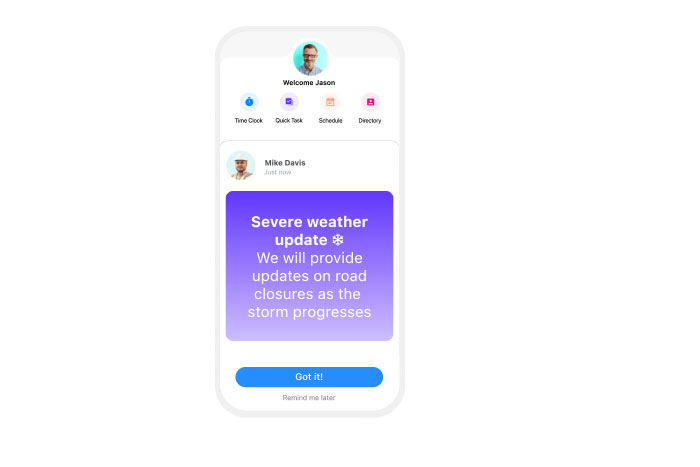
Keep your team informed
Easily send push notifications directly to your relevant group members mobile devices and receive read receipts to ensure they are in the loop.
Save work chatfor work hours
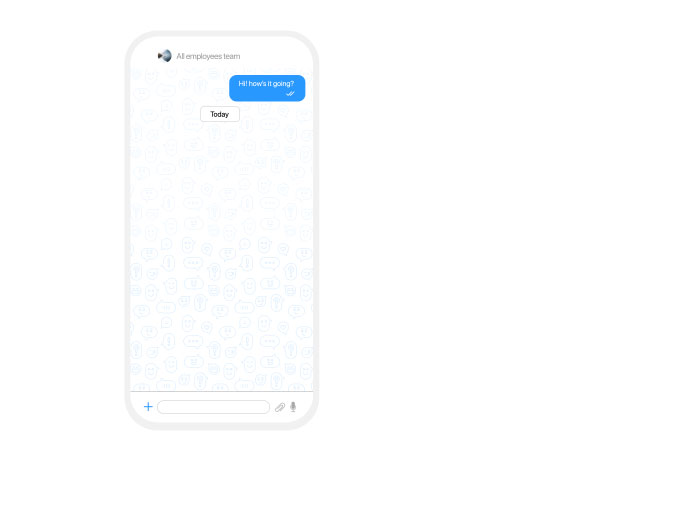
View each user’s current status and schedule messages for their next clock-in to ensure work communications only occur during work hours and stay compliant.

Motivate your team with recognitions
Recognize individuals privately or share praise with the entire team with digital recognition, badges, words of gratitude, and tangible rewards.

Benefits of Highly Engaged Teams
0%
Increase in productivity
0x
Better engagement rates
0%
Lower turnover rates
Connect new team members instantly
Automate the process of adding new team members to the relevant chat groups. Provide them the best sphere for communication within the team.
Separate work from
personal life
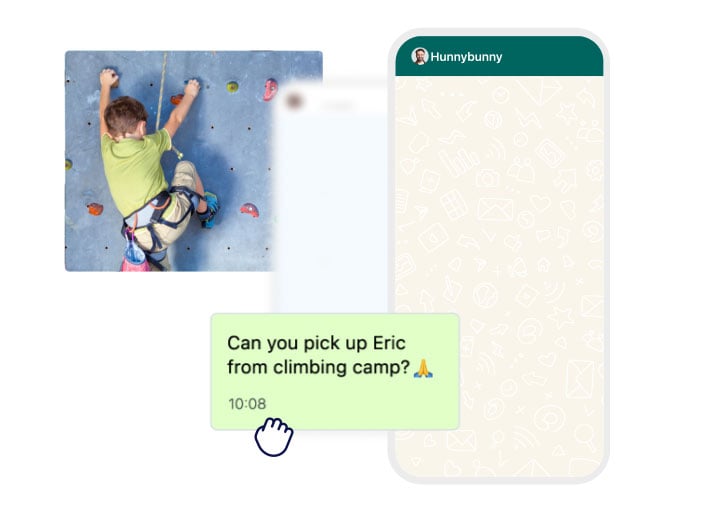
Optimize your distance workforce’s focus and prevent misplaced
messages, by insulating work messages from
private communications.
Take dialogue & turn it
into action
Drive to action by attaching files and shortcuts to
other Connecteam features in your team messaging app, and get read
receipts to make sure their attention has been captured.

Tighten control on work
communications
Manage user permissions and delete messages when needed
with highly secure work chats — keeping internal communication
clean and professional.



Frequently Asked Questions
Apps for teams to communicate are chat softwares that your team can use to interact with each other instantly across various departments, groups, and individuals.
Connecteam’s group communication app is your app for group communication, where you can communicate in one-on-one, teams, and broadcast chats. It includes all tools and automations required to keep you in control of instant communications and enhance efficiency and productivity.
Connecteam’s team communication app gives you the platform to streamline your instant communication and improve its security. Instead of back-and-forth messages scattered across multiple apps or endless phone calls, you centralize all instant communication in one designated place, enabling you to ensure your messages stand out and are received and read.
With Connecteam you can instantly communicate with everyone, from anywhere, on one-to-one chats, team chats, and broadcast channels, by sending text messages, sharing files, images, and videos, sending shortcuts to other assets within the platform, and more, making your instant communication efficient, measurable, manageable, and secure.
Connecteam update features can help you give your team the information they need to stay informed of happenings.
Managers using Connecteams update features can:
- Track who hasn’t yet viewed the update and send them notifications
- Schedule publications, such as employee birthdays or work anniversaries
- Create recurring updates, such as reminding team members to set their availability and even link to the scheduling feature so they can do just that
- Celebrate hard work and company milestones
- Poll team members asking them to vote on what to order for lunch or who should win the costume contest
Connecteam update features allows team members to:
- View, comment, and like updates
- Click on internal links to fill out forms and other needed information
- Participate in polls
Using Connecteam’s team directory, you can relax knowing all team members can contact whoever they need to in order to get their work done.
Connecteam’s directory is searchable by name, title, department, location, or any other information in a user’s profile. Once you find the correct team member, you can call, chat, text, or email them. You have the option to hide any user information, such as the CEO’s phone number.
The Connecteam directory is always up-to-date since team members are automatically added when they join the team, deleted when they leave and updated if their phone number changes. Adding third-party contacts, is also possible.
For 14 days, you can use Connecteam’s app for team communication with unlimited capabilities for free, enabling you to truly experience the product.
By the end of your free trial, you can choose to subscribe to one of our Communications Hub premium plans – Basic, Advanced, and Expert – based on your needs. You can also use our Limited plan (cost-free) for up to 30 users.
Connecteam’s basic features are available on all plans, but premium plans unlock our unique managers’ features.
If you’re a team with less than 10 employees, you’ll be able to use our “Small Business Plan” for free. 🙂

What started as an operational improvement endeavor, turned out to be a new way of communicating with the Sodastream family.